
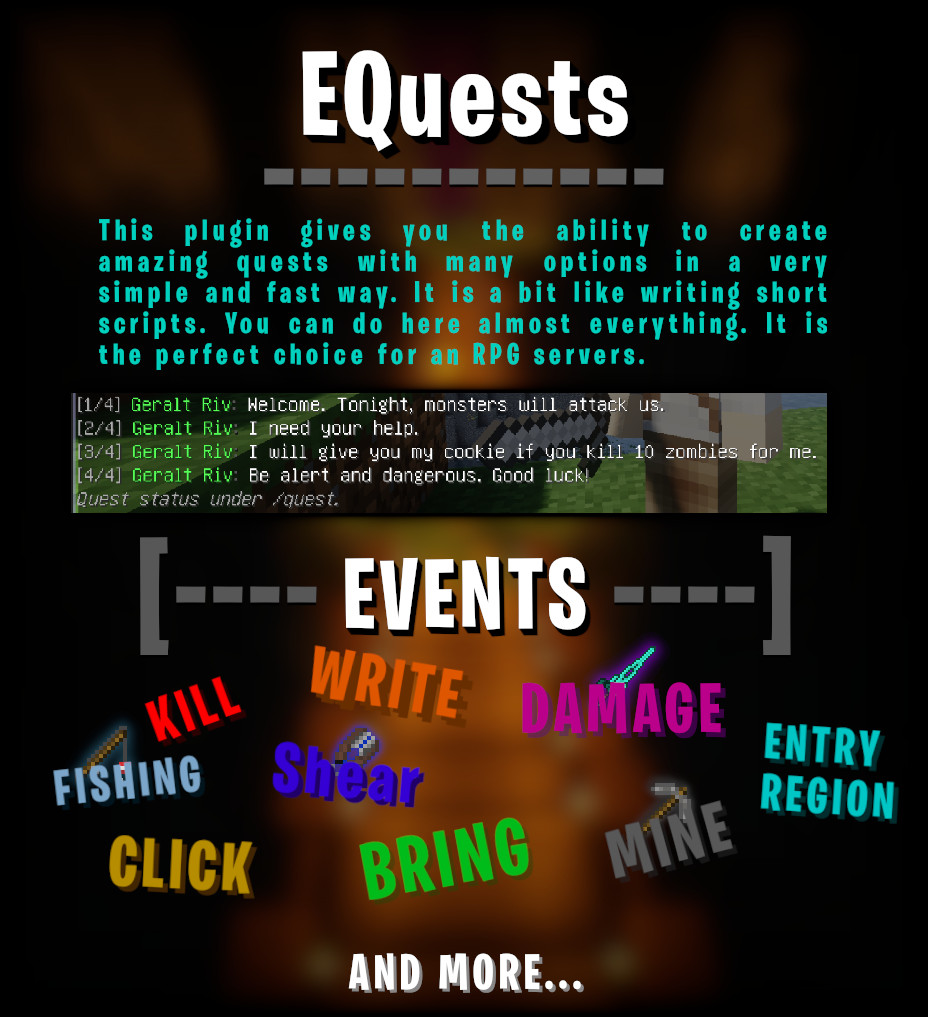
![[IMG]](/proxy.php?image=https%3A%2F%2Fi.imgur.com%2FeAtGa7U.png&hash=6b62c3dfd23551fc7ea8f0b942ccea2e "[IMG]")
Help commands:
/eq - Display base information.
/eq help - Display all commands sections and some information.
/eq create - Display all create commands and quest types.
/eq set - Display all setters commands.
/eq delete - Display all delete commands.
/eq player - Display all player data edit commands.
Create commands:
/eq create npc <npcName> - Create new npc.
/eq create quest <npcName> <questType> <(pointToFinish)> <(requirementPermission)> - Create new quest for npc.
Set commands:
(More options you will find in manual file editing - read quest features)
/eq set reward <npcName> <questID> <rewardID> - Set a reward for the quest.
/eq set target <npcName> <questID> <target> - Set target to: entity type, item, entity name or just ALL.
/eq set minLvl <npcName> <questID> <requirementLevel> - Set a requirement level to start quest.
/eq set title <npcName> <questID> <title> - Set title of quest which will be display after click npc when you have active this quest.
/eq set desc <npcName> <questID> <description> - Set description of quest which will be display after click npc when you have active this quest.
/eq set ctt <npcName> <questID> <customTargetText> - Displayed in the command /quest and at npc. You can use placeholders like <score>, <limit> and <npc>. If you don't set it it will be displayed default message of this quest type.
/eq set gdt <npcName> <questID> <goalDisplayText> - Displayed when you reach a point for quest.
/eq set type <npcName> <questID> <questType> - Change a quest type.
/eq set link <npcName> <questID> <npcName2> <questID2> <enabled: true/false> - Create a link between quests. For example you must finish or just enable quest with id 1 from npcName to start quest with id 4 from npcName2.
/eq set dg <npcName> <questID> <lineID> <text> - Edit quest dialogue at quest start.
/eq set cmd <npcName> <questID> <start/finish> <cmdID> <cmd> - Add commands which will be executed at start or end of quest.
/eq set bringTo <npcName> <questID> <toNpcName> - Change the target npc to which you need to bring items in GET_ITEMS.
/eq set backToNPC <npcName> <questID> <false/true> - After finish goal, player must back to npc to finish quest. (Normally it will end immediately)
/eq set fireworks <npcName> <questID> <false/true> - After finish quest, random fireworks will be fired from the player!
Delete commands:
/eq delete npc <npcName> - Delete npc with all quests.
/eq delete quest <npcName> <questID> - Delete quest from npc (do it carefully!).
Player editor commands:
/eq player reset <player> - Reset all quests data for player.
/eq player set <player> <npcName> <questID> <active> - Edit data about player quest.
Rest of commands:
/eq list - Display all loaded quests and npc.
/eq reload - Reload all files and quests.
/quests - Command for players. Displays their quests status.
/eqm <player> <text> - Sending message to player from console (usefull if you want add some additional messages in some situations.
![[IMG]](/proxy.php?image=https%3A%2F%2Fi.imgur.com%2FfE9DPgH.png&hash=1c85c8fba682bda176696f5acad8ad66 "[IMG]")
Placeholders
<npc> - It displays the name of the npc that gave you the quests.
<player> - It displays your name. (logic :d)
<reqLevel> - Display requirement level to start quest (if you set this feature in quest of course).
<score> - Displays the points gained in the quest. (For example, 3 bandits killed)
<limit> - Display the limit which you must reach to finish quest.
<seconds> - Display all seconds for some situation.
<minutes> - Display minutes without seconds for some situation.
<restSeconds> - Display rest of seconds for some situation.
