

| 
|

|

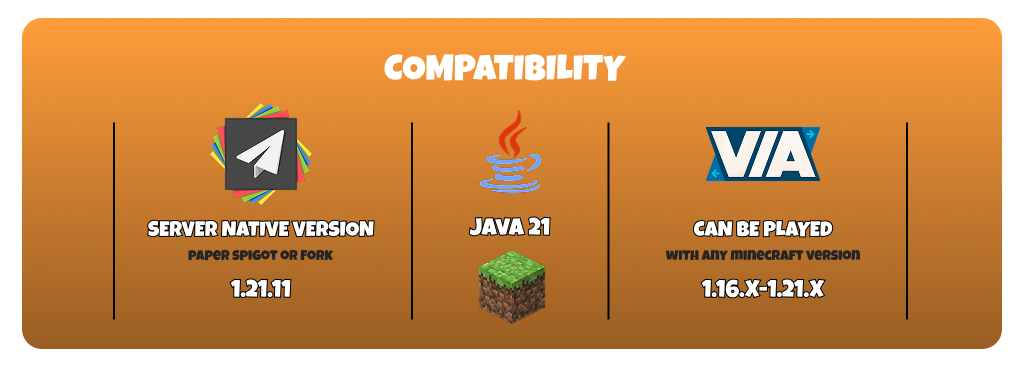
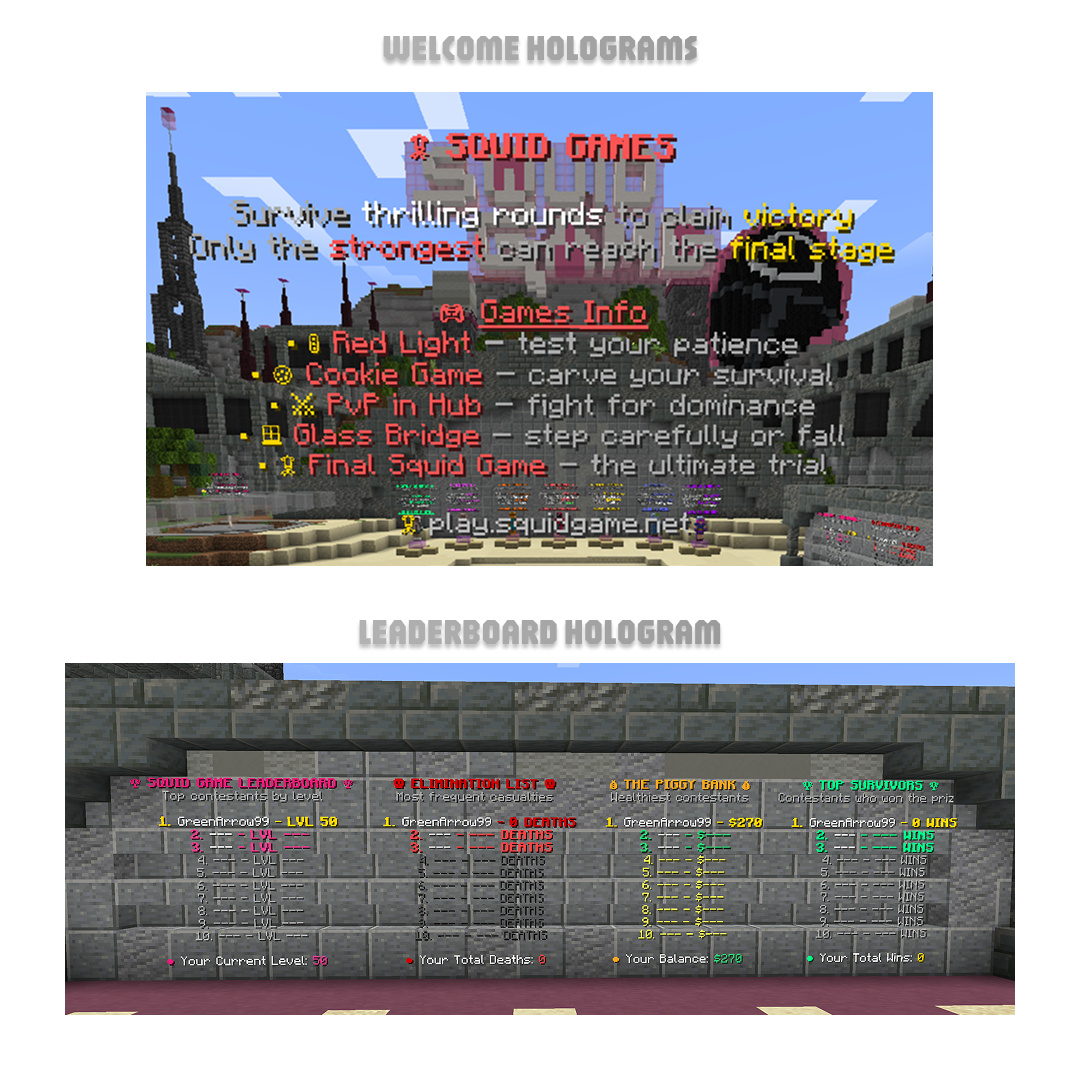
 Squid Games Setup – Thrilling Survival Minigame Squid Games Setup – Thrilling Survival MinigamePart of the Modern Minigame Series From the famous Netflix show – Squid Games reimagined in Minecraft! Powered by SquidGameX by [COLOR=rgb(87, 95, 109)][COLOR=rgb(222, 156, 51)]LinsaFTW[/COLOR][/COLOR] Made with  by [COLOR=rgb(87, 95, 109)][COLOR=rgb(236, 133, 17)]zArrowTan[/COLOR][/COLOR] – Fast-paced survival challenges with competitive arena gameplay. by [COLOR=rgb(87, 95, 109)][COLOR=rgb(236, 133, 17)]zArrowTan[/COLOR][/COLOR] – Fast-paced survival challenges with competitive arena gameplay.Thanks to [COLOR=rgb(87, 95, 109)]Cincog[/COLOR] for the spawn.  Core Features Core Features 1 Fully-Configured Arena – Ready to play with complete setup and optimization. 1 Fully-Configured Arena – Ready to play with complete setup and optimization. Stats System – Tracks player Wins & Deaths across all games. Stats System – Tracks player Wins & Deaths across all games. Arena Selector – Join arenas instantly with quick selector menu. Arena Selector – Join arenas instantly with quick selector menu. Scoreboard & TAB – Styled displays with stats and rank placeholders. Scoreboard & TAB – Styled displays with stats and rank placeholders. Socials Menu – Links to YouTube, Twitter, Discord, Webstore, Website in menu. Socials Menu – Links to YouTube, Twitter, Discord, Webstore, Website in menu. Amazing Menus – Enhanced interactive menus added in version 2 update. Amazing Menus – Enhanced interactive menus added in version 2 update. Top 10 Leaderboards – Display rankings for Wins, Deaths, Battle Pass & Balance. Top 10 Leaderboards – Display rankings for Wins, Deaths, Battle Pass & Balance. Minigames Included Minigames Included Red Light, Green Light – Move when green, freeze on red or get eliminated. Red Light, Green Light – Move when green, freeze on red or get eliminated. Cookie Game – Carve shapes carefully without breaking the cookie pattern. Cookie Game – Carve shapes carefully without breaking the cookie pattern. PvP in Hub – Combat against other players in the lobby area. PvP in Hub – Combat against other players in the lobby area. Glass Bridge – Choose correct glass panels to avoid falling through.Final Squid Game – The ultimate challenge to determine the final winner. Glass Bridge – Choose correct glass panels to avoid falling through.Final Squid Game – The ultimate challenge to determine the final winner. Gameplay Extras Gameplay Extras Quick Join Item – Automatic selector item given when entering the arena. Quick Join Item – Automatic selector item given when entering the arena. Welcome Hologram – Greeting display with server info in the lobby. Welcome Hologram – Greeting display with server info in the lobby. Optimized Configs – Clean file formatting with efficient performance and loading. Optimized Configs – Clean file formatting with efficient performance and loading. Battle Pass Menu – View progress earned from winning games and daily rewards. Battle Pass Menu – View progress earned from winning games and daily rewards. Daily Rewards – Claimable rewards available once per day for players. Daily Rewards – Claimable rewards available once per day for players. Cosmetics – Unlock Trails, Player Glow, Tags and Chat Colors. Cosmetics – Unlock Trails, Player Glow, Tags and Chat Colors. Ranks System Ranks System VIP Rank – Donor rank with bonus daily rewards and win rewards. VIP Rank – Donor rank with bonus daily rewards and win rewards. MVP Rank – Premium donor rank with bonus daily rewards and win rewards. MVP Rank – Premium donor rank with bonus daily rewards and win rewards. Media Rank – Special rank available for YouTubers and Streamers to use. Media Rank – Special rank available for YouTubers and Streamers to use. Helper Rank – Staff position with access to Staff Guide Menu system. Helper Rank – Staff position with access to Staff Guide Menu system. Mod Rank – Moderator position with access to Staff Guide Menu system. Mod Rank – Moderator position with access to Staff Guide Menu system. Admin Rank – Administrator position with access to Staff Guide Menu system. Admin Rank – Administrator position with access to Staff Guide Menu system. Staff System – Includes StaffMode tools and AdvancedBan punishment system integration. Staff System – Includes StaffMode tools and AdvancedBan punishment system integration.⚙ Technical Specs ✔Native 1.21.11 – Built and tested for Minecraft version 1.21.11 support. ✔Java 21 Required – Server must run on Java 21 for compatibility. ✔Recommended RAM – Allocate 5 GB or more for smooth performance.  Future Plans Future Plans Extra Arenas – More arena maps to expand gameplay variety and options.New Game Modes – Additional minigames based on community feedback and requests. Extra Arenas – More arena maps to expand gameplay variety and options.New Game Modes – Additional minigames based on community feedback and requests. |

Would you like to thoroughly examine every feature of this setup? To see a comprehensive list of pictures highlighting the key components of this configuration, click the button below. Spoiler: SETUP OVERVIEW | Click Here 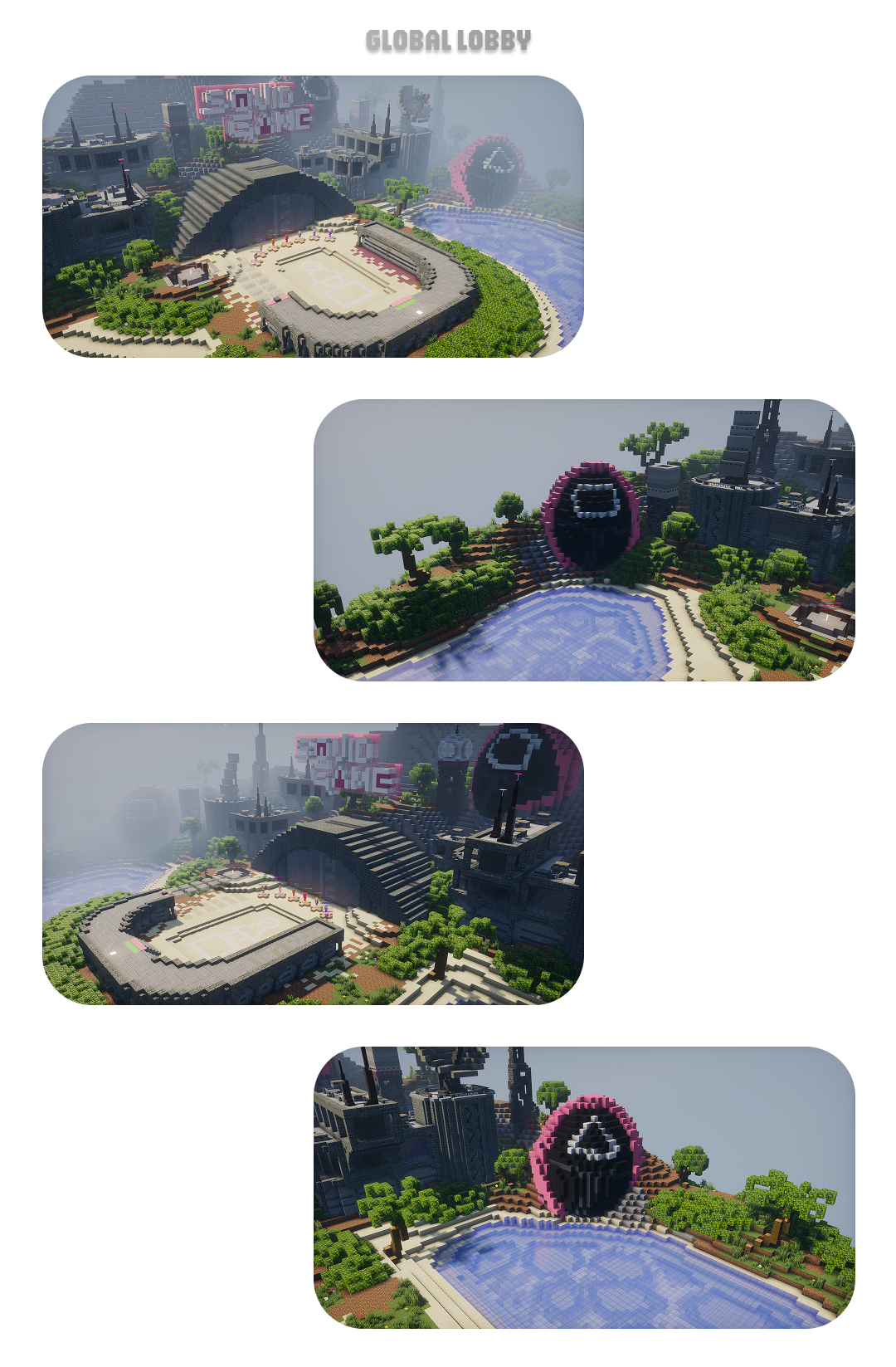
✦ TAB & Scoreboard ✦ 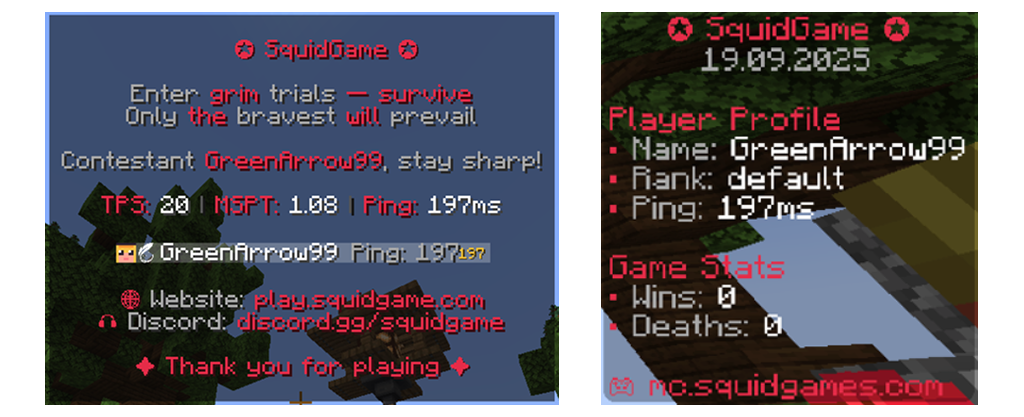
✦ Join Item ✦ 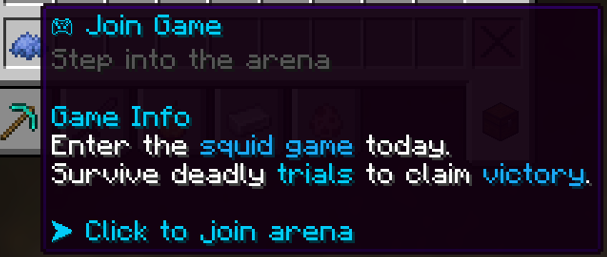
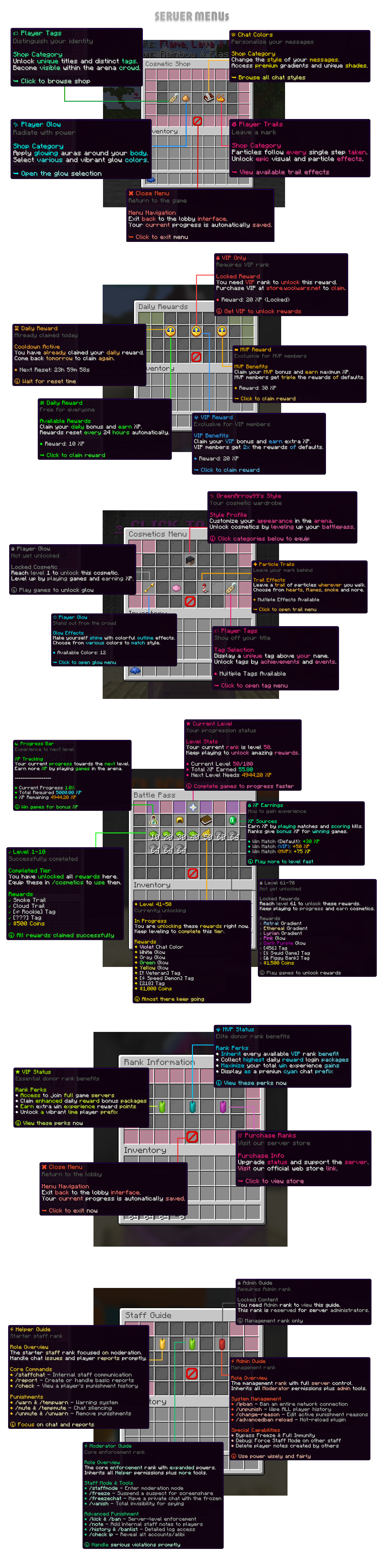
✦ More Menus ✦ 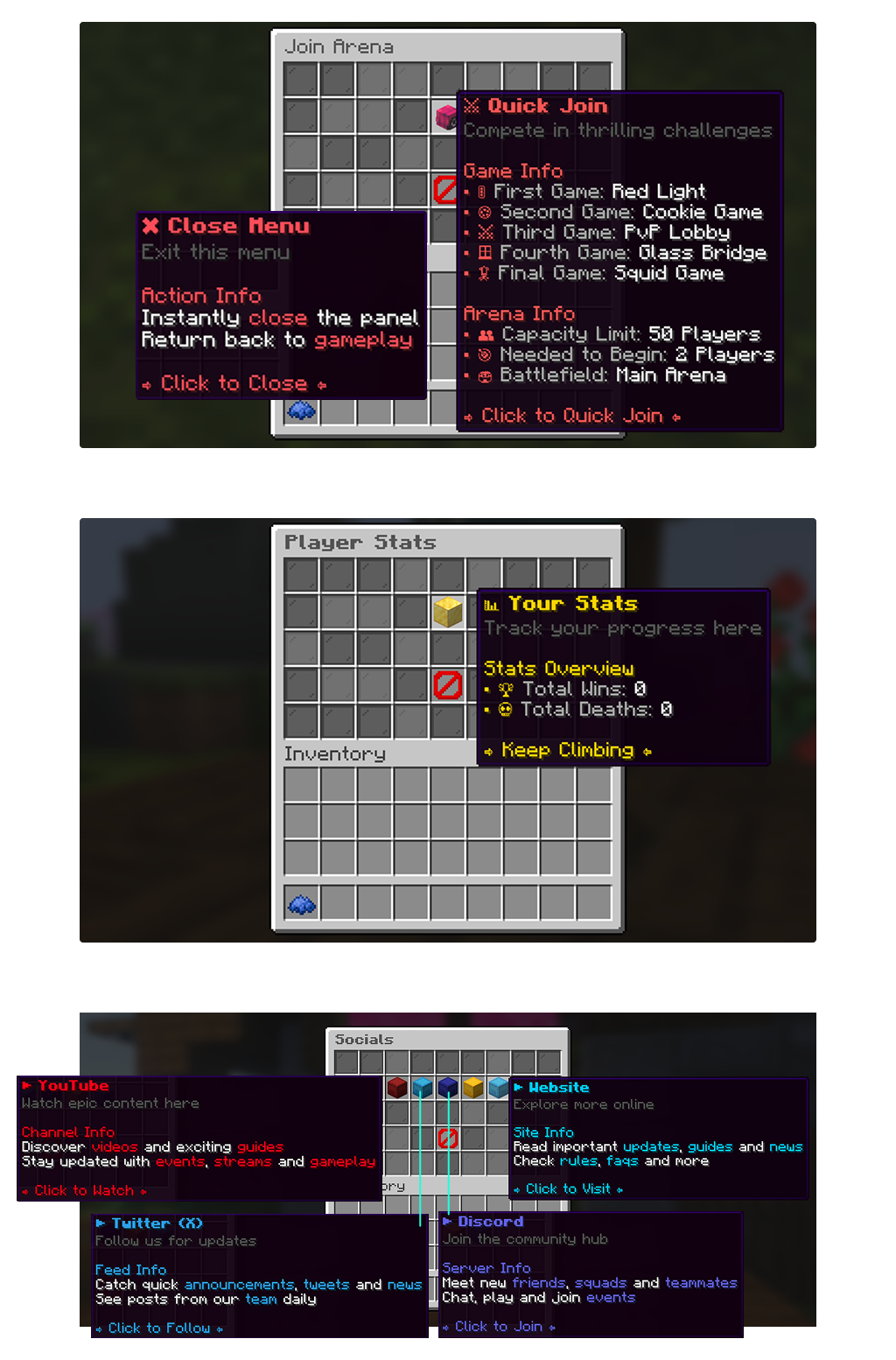
|

Curious to see the menus in action? The following GIFs provide a dynamic preview of the setup's interface, showcasing the seamless navigation between screens. Spoiler: GIF PREVIEWS | Click Here ✦ Staff Guide Menu ✦ 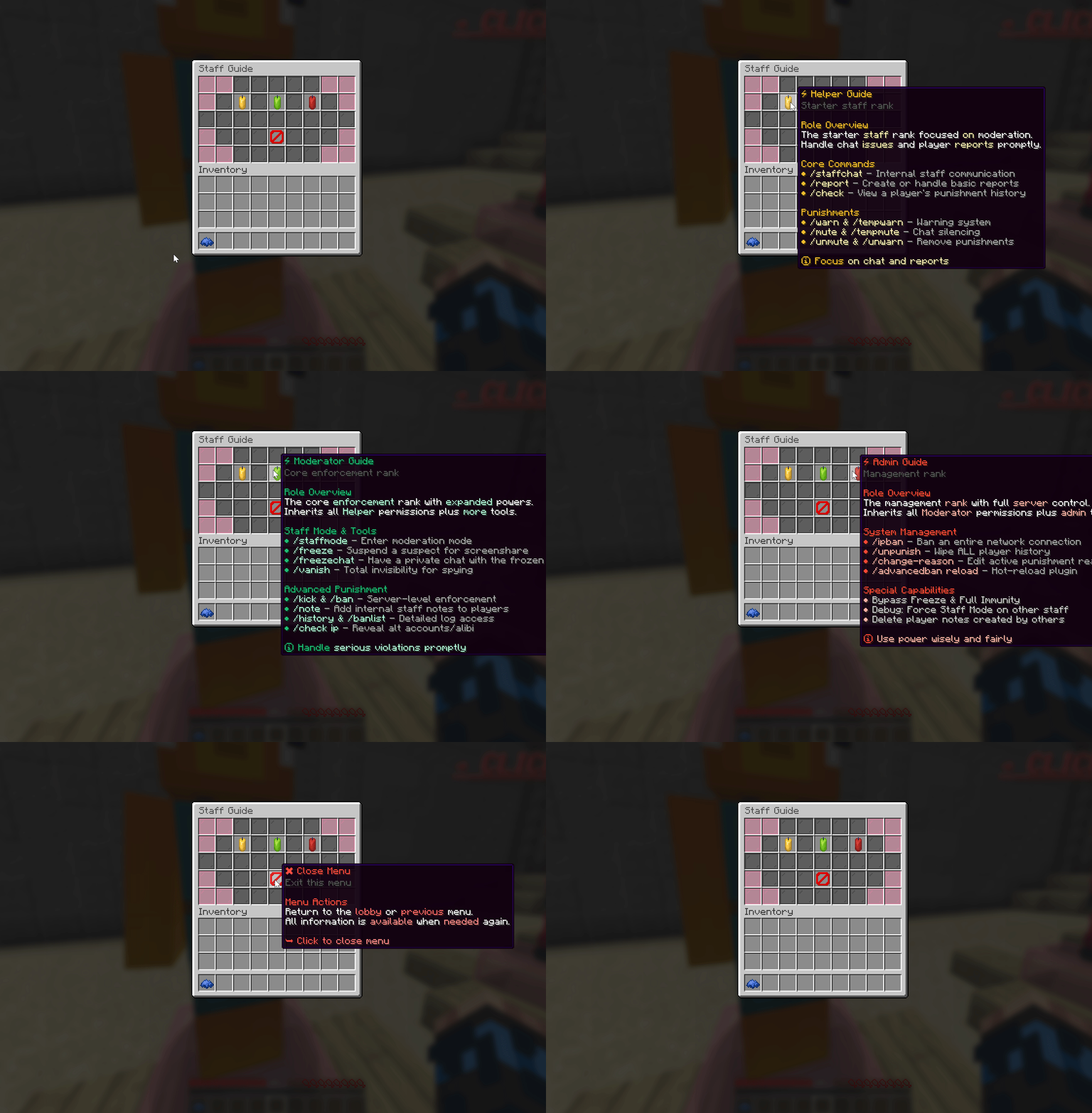
✦ Player Stats Menu ✦ 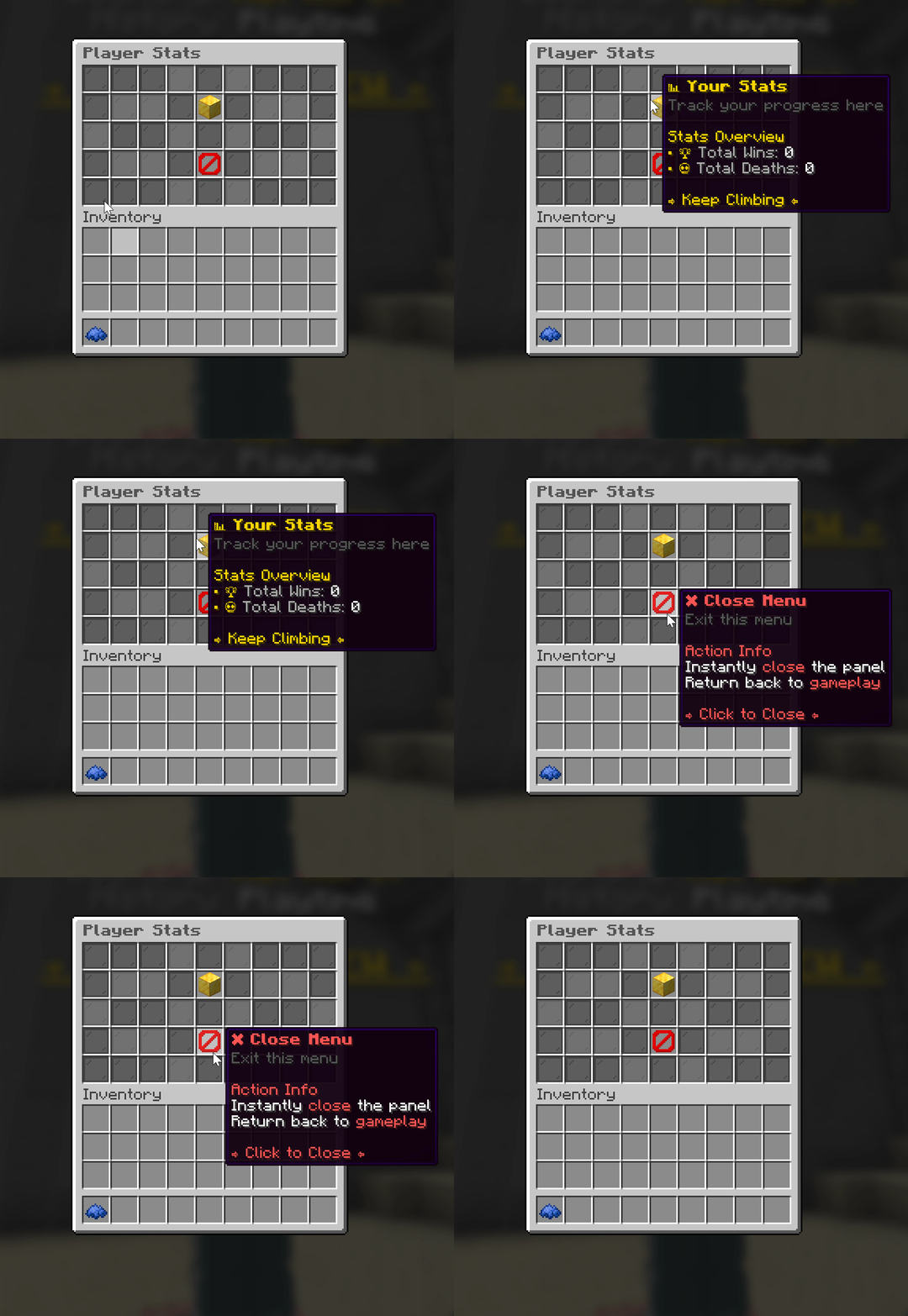
✦ Join The Game Menu ✦ 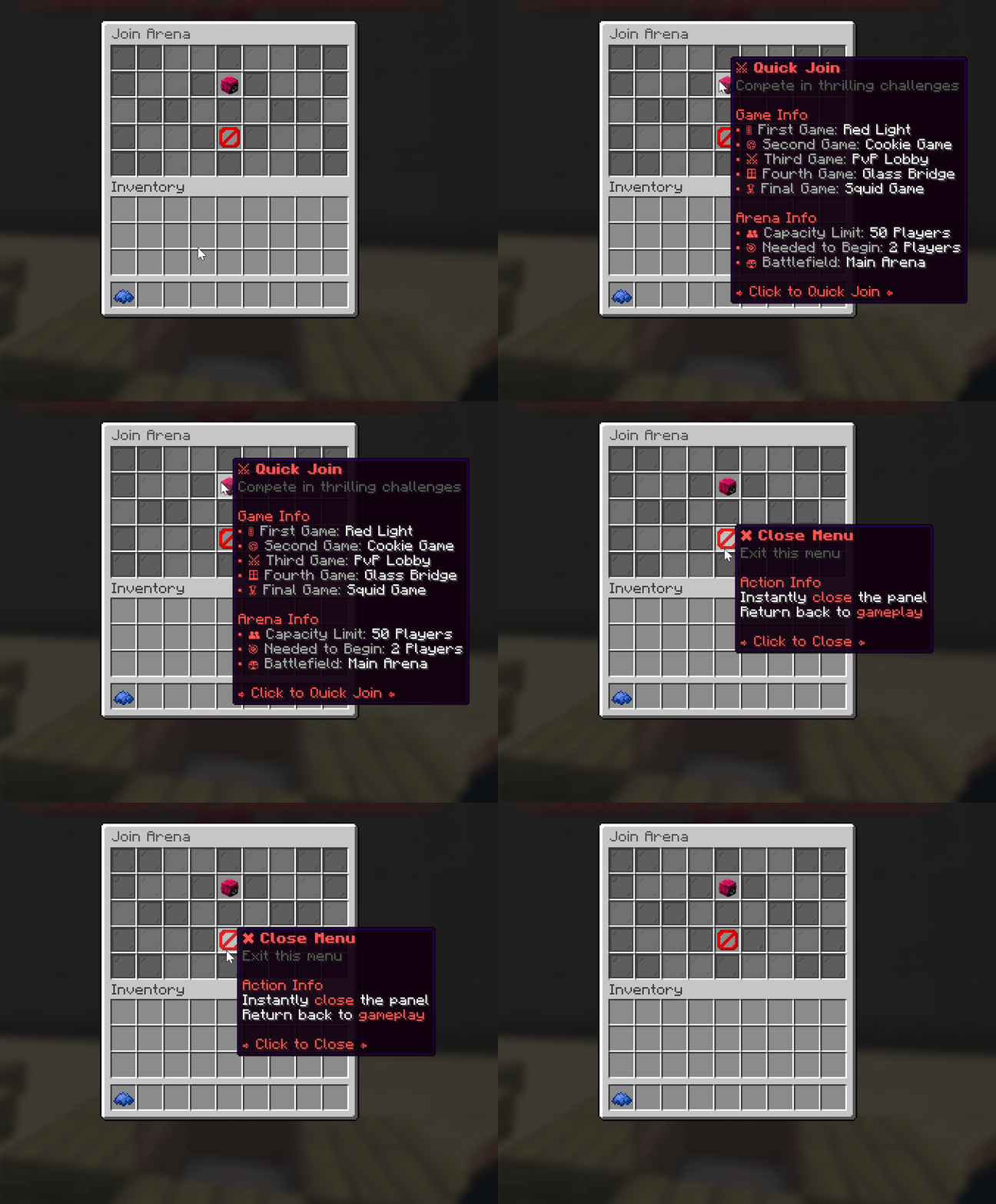
✦ Cosmetics Shop Menu ✦ 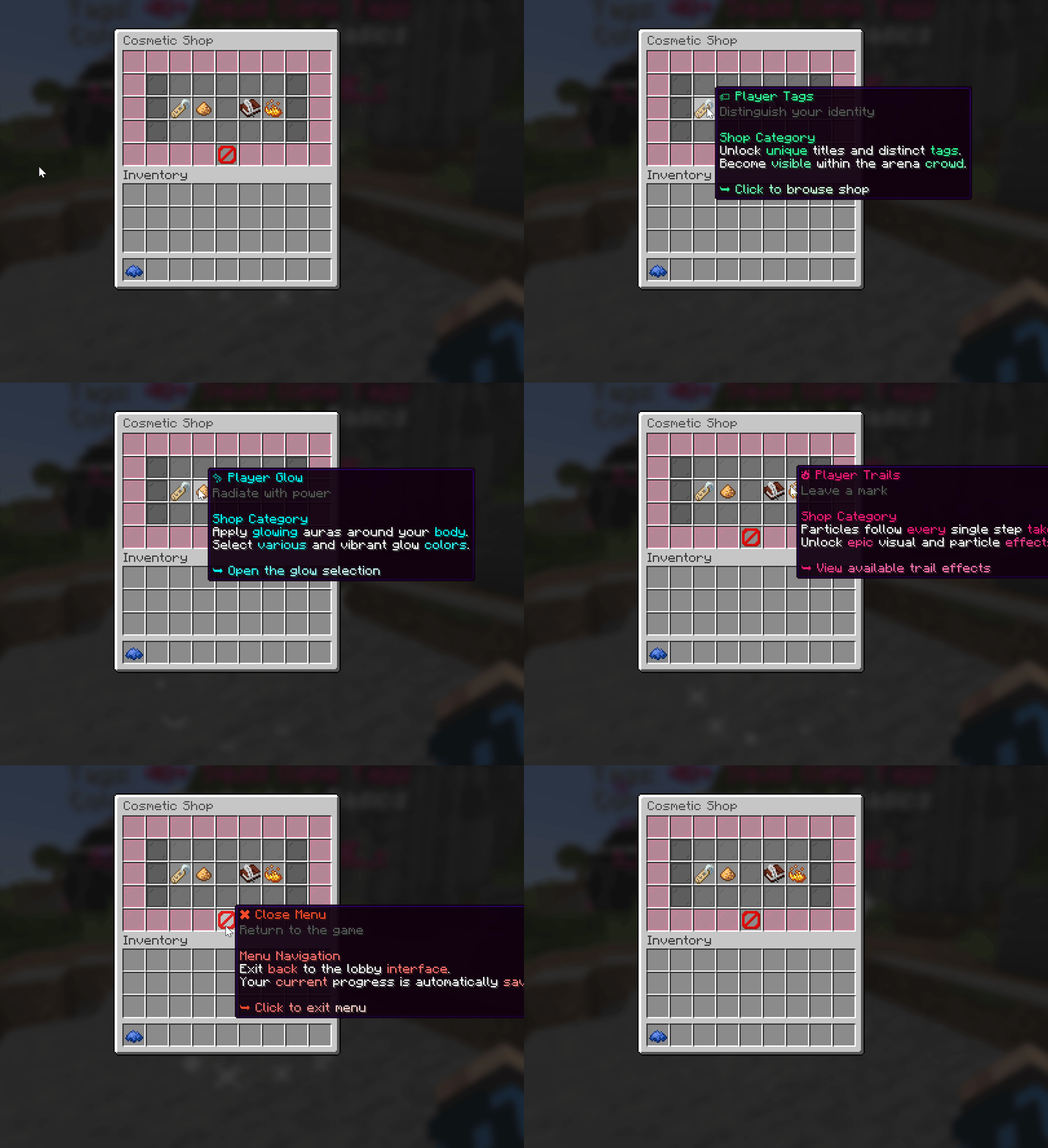
✦ Daily Rewards Menu ✦ 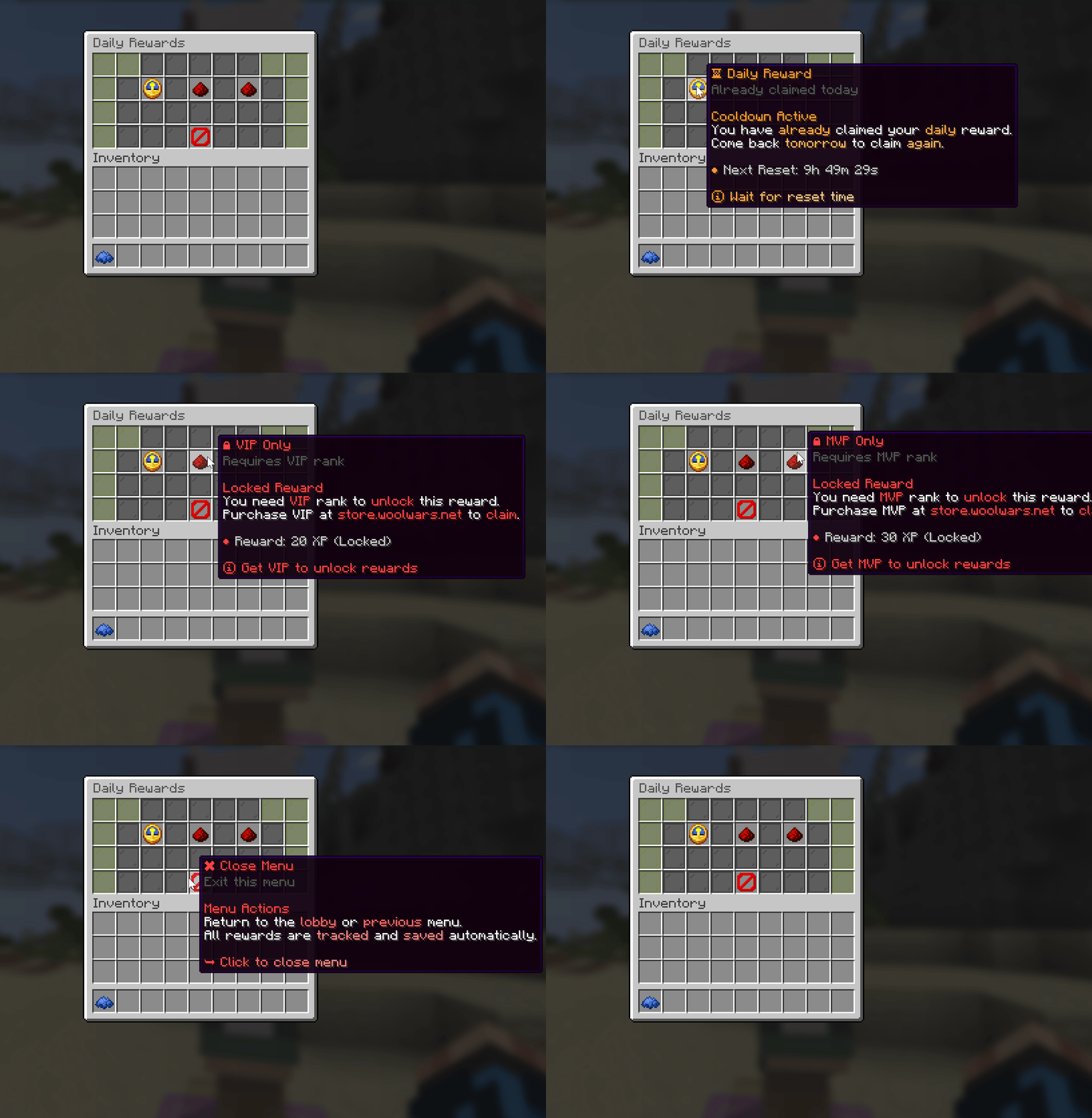
✦ Cosmetics Menu ✦ 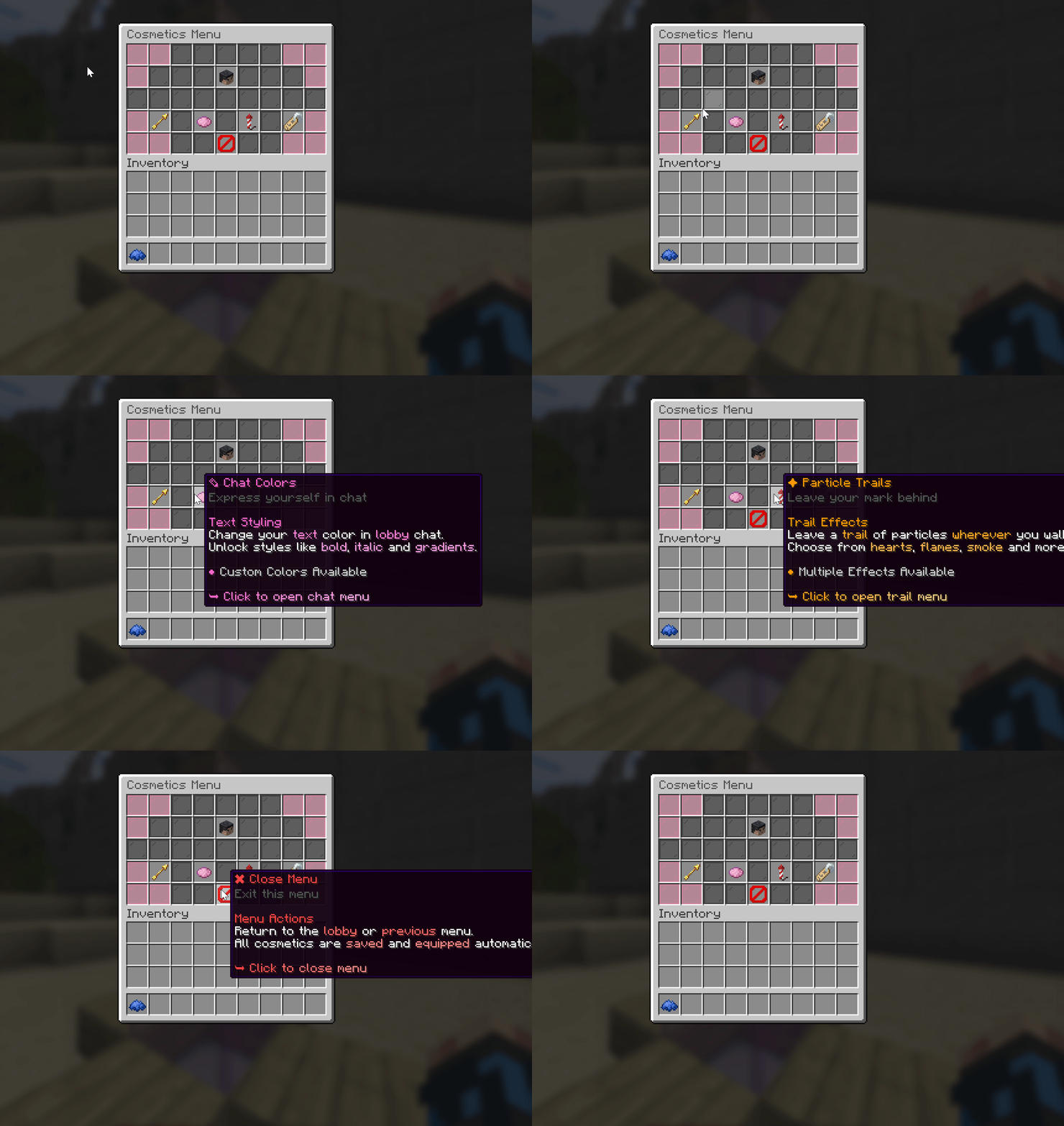
✦ Ranks Menu ✦ 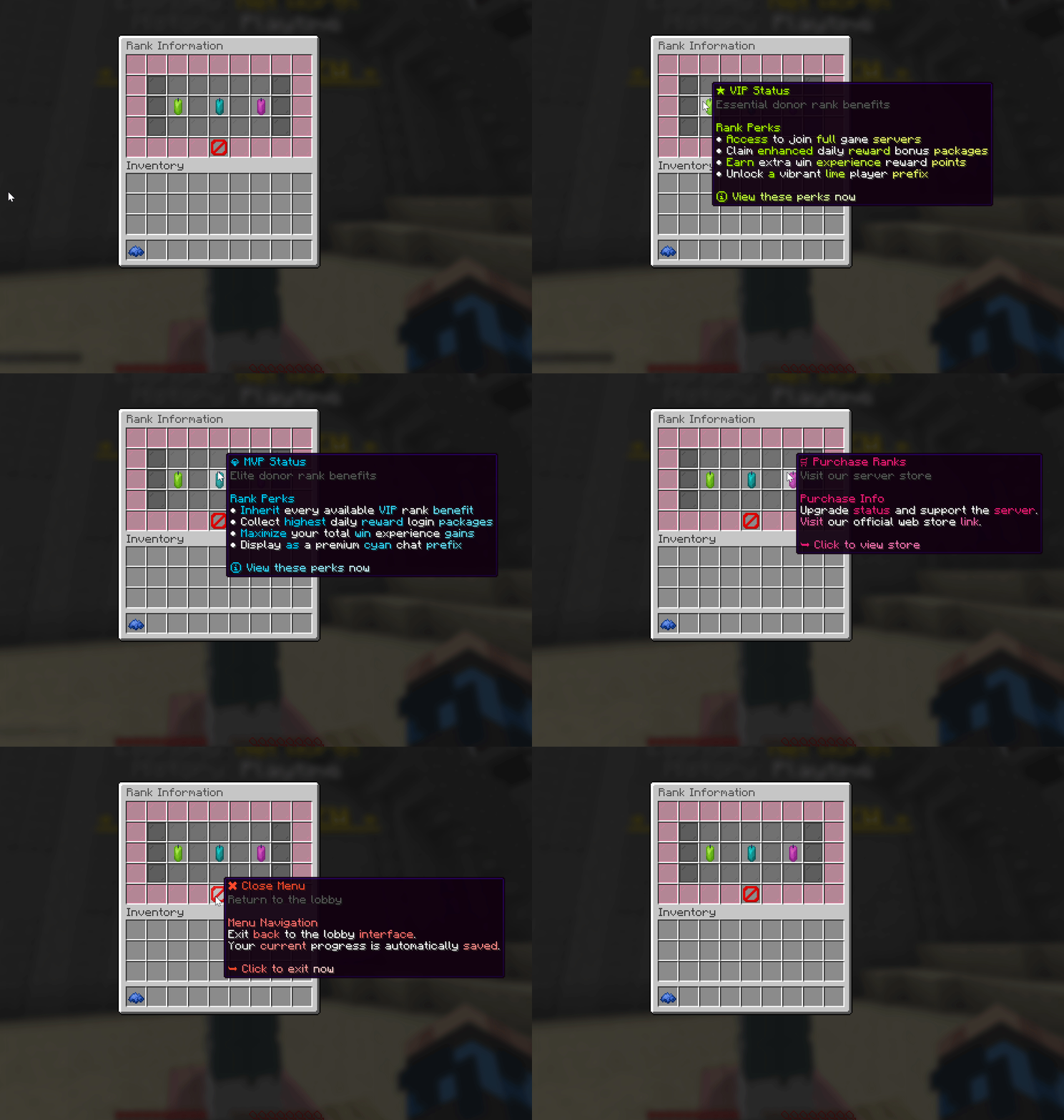
✦ Socials Menu ✦ 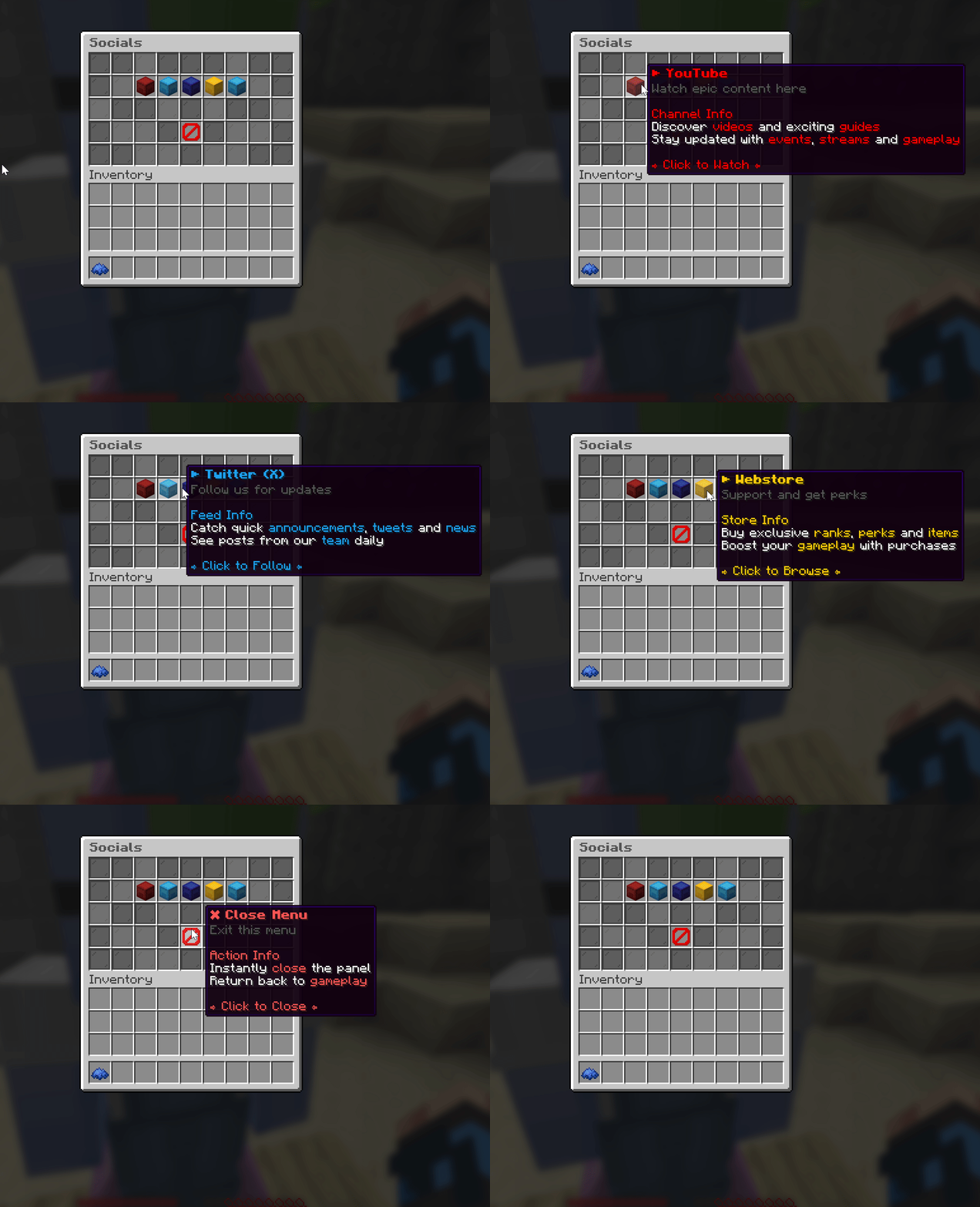
|


