Server Organizer for Blueprint

VAULT+ PTERODACTYL Server Organizer for Blueprint v1.3.2

Potentially Outdated? (3+ Months)
Official page:
Potentially Outdated: This resource hasn't been updated in over 3 months. Since base platforms and games update frequently, older files may experience compatibility issues. Please verify the supported versions and check the discussion tab or official sources first. If the resource no longer works, consider requesting an update from the author.


rYnyAeZs13zjcHapeu6E1RDq1FWDS0TLcZRkMCxa.gif


Server Organizer​

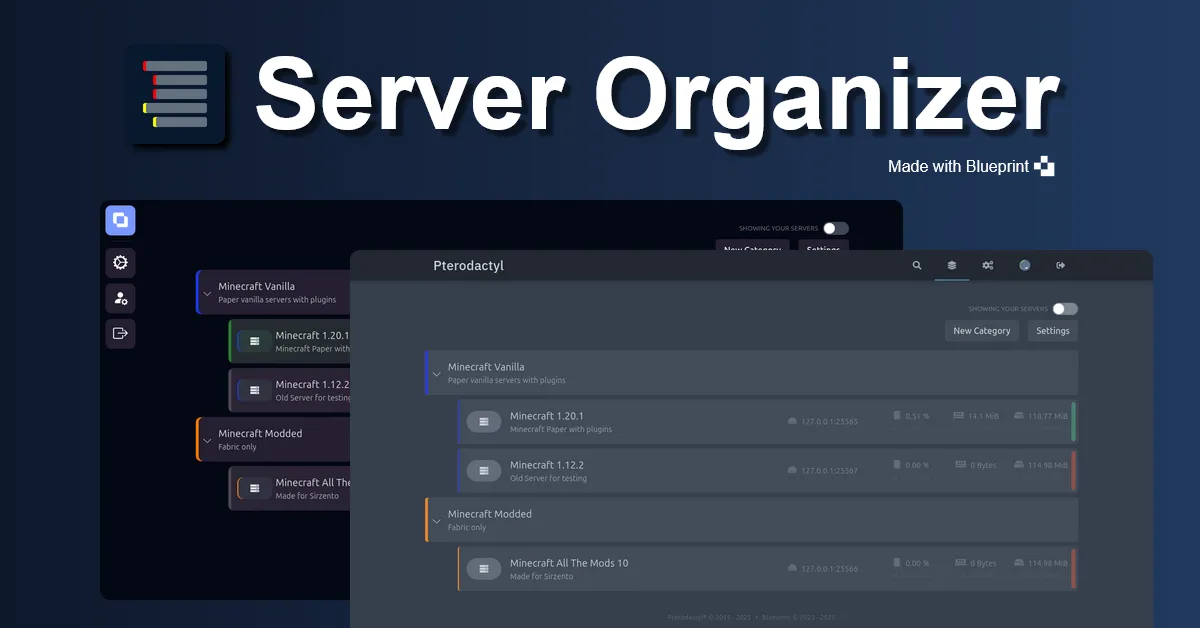
Sort and organize your server with categories!

Features:

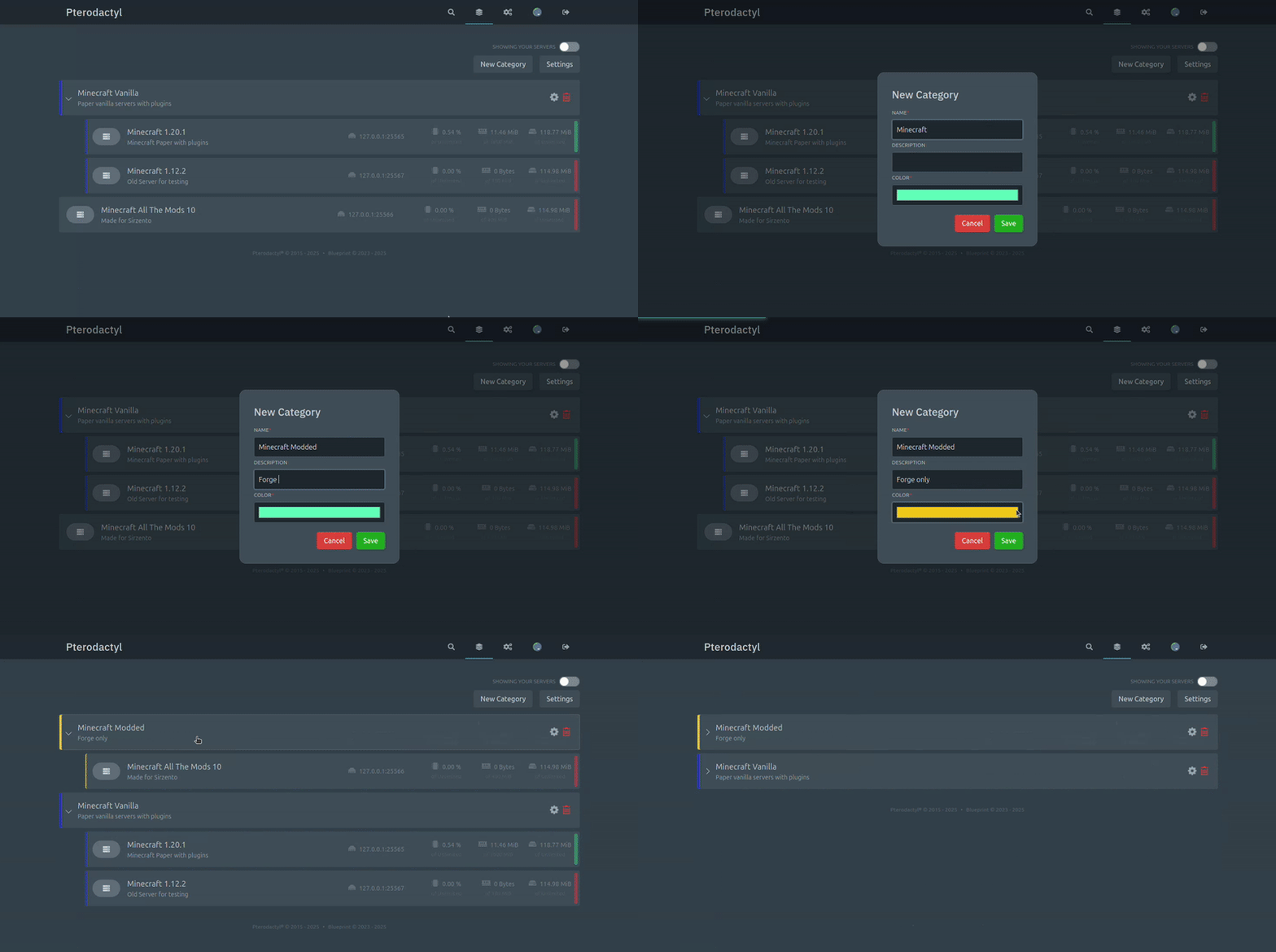
  • Move servers around via drag & drop
  • Create categories for a better overview of your servers
  • Collapse categories to tidy up your dashboard
  • Start/Stop/Restart all the servers in a category with a single button [NEW v1.3]
  • Compatible¹ with Nebula
Informations:

  • Categories, orders and settings are saved on a per user basis
  • You can hide the category controls and deactivate drag & drop via settings
  • It's currently not possible to create sub-categories
  • Might not be compatible with your custom theme
  • If you have more than 50 servers, you also need to install the extension No Pagination.
Tested on Chrome and Firefox with Blueprint beta-2024-12 and Nebula 2.0-1.

Installation​

Extract the Zip archive and move the .blueprint file in your Pterodactyl directory (usually /var/www/pterodactyl) and run blueprint -i serverorganizer. To remove it, simply run blueprint -r serverorganizer.

Troubleshooting​

If your categories don't get saved after a site refresh, this will most likely mean that blueprint had troubles in running the database migration while installing. Run php artisan migrate to start the migration manually.
Author
t0r
First release
Last update

Ratings

0.00 star(s) 0 ratings
Back