

To offer a great online service experience to your existing and potential customers by staying in touch with them, keeping them informed at every possible step. SMS Notification plugin is developed with the single aim of keeping your customers notified, thus adding value to your customer relationship allowing you to manage your online business, client management, billing and support functionality.
Module Features :
- New user sign-up with your website
- Invoice notifications
- Payment reminder
- Automated creation of services when order is placed
- Welcome a user, password change, upgrade, suspension or more
- Promotional incentives after sign-up
- Links and attachments
- Automated payment reminders
- Hosting or reseller account is created
- Receive information when a product is out of stock
- Subscribing for a newsletter
- Service upgrade available
- Security hack attempts and more
- Download and unzip file in whmcs directory/modules/addons.
- Install our addon (Setup > Addon Modules).
- To configure Go Addons > SMS Notification > Setting.
- Now you can see your ip address is invalid copy that ip address.
- Signup in our client portal then mail us your invalid ip address at [email protected] .
- Now enter your pigeonhost client credential [email address and password] then save.
- If everything ok then you will be redirect sms configuration page.
- If still now face error then make sure your ip address should be white listed in your system.
- Order our cloud sms pack in our website for username, password and credit.
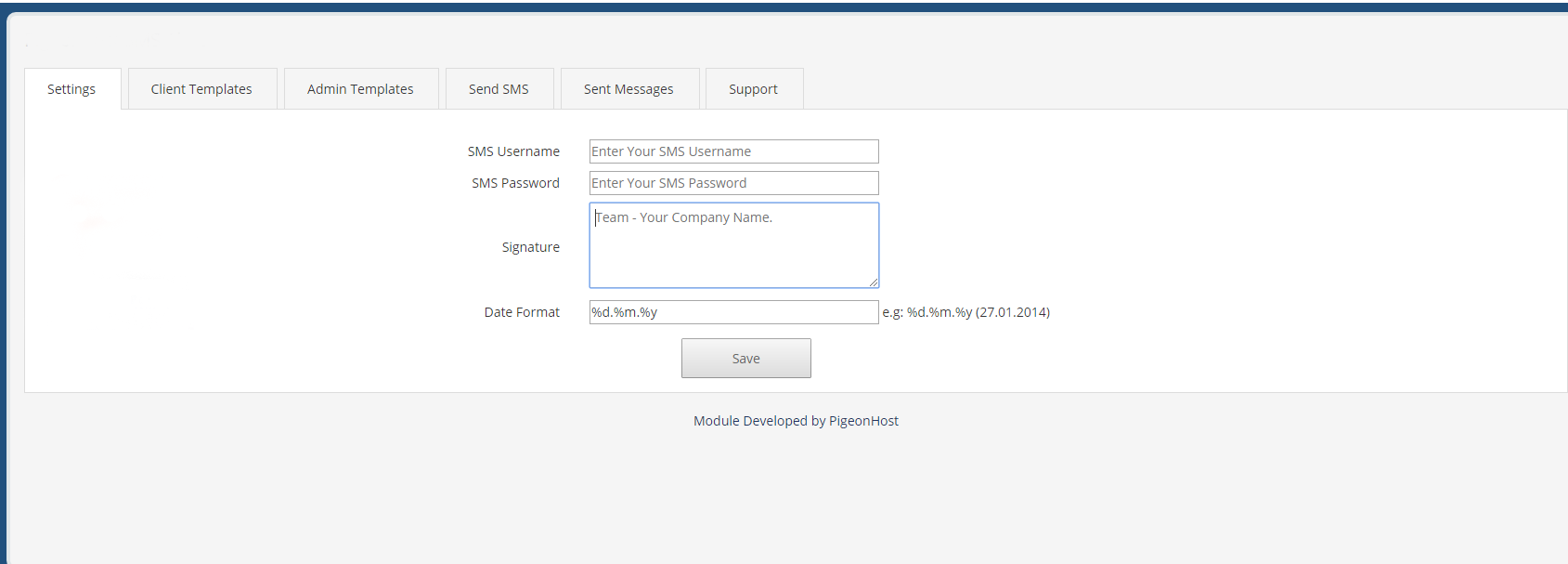
- Go Addons > SMS Notification > set your sms username, password and signature.
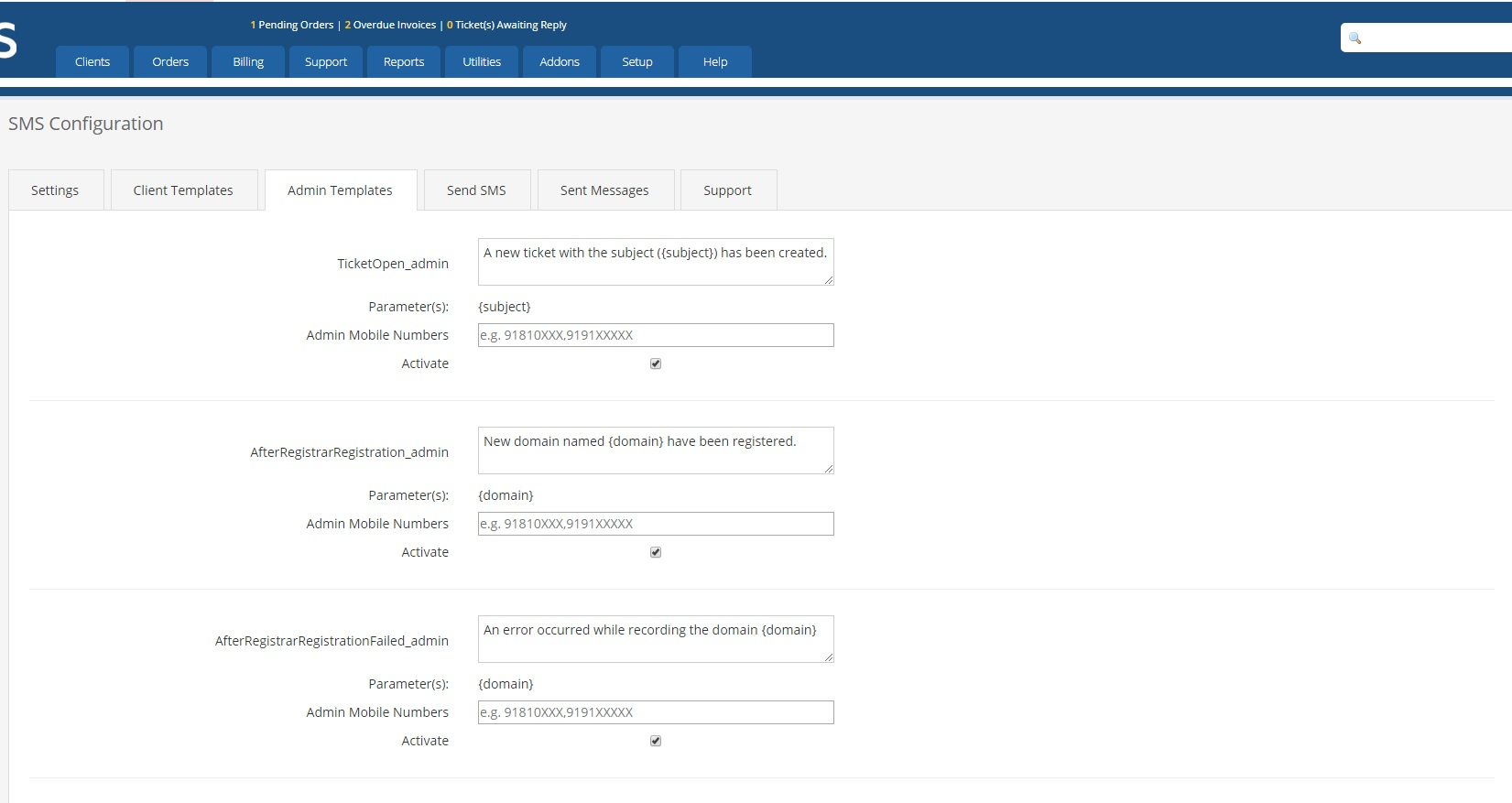
- Go Addons > SMS Notification > to change client and admin sms templates and more.
- Phone support : 0187 4444 324
- Email Support : [email protected]


