![[TH] Image Optimizer](/data/resource_icons/5/5463.jpg?1718365563)

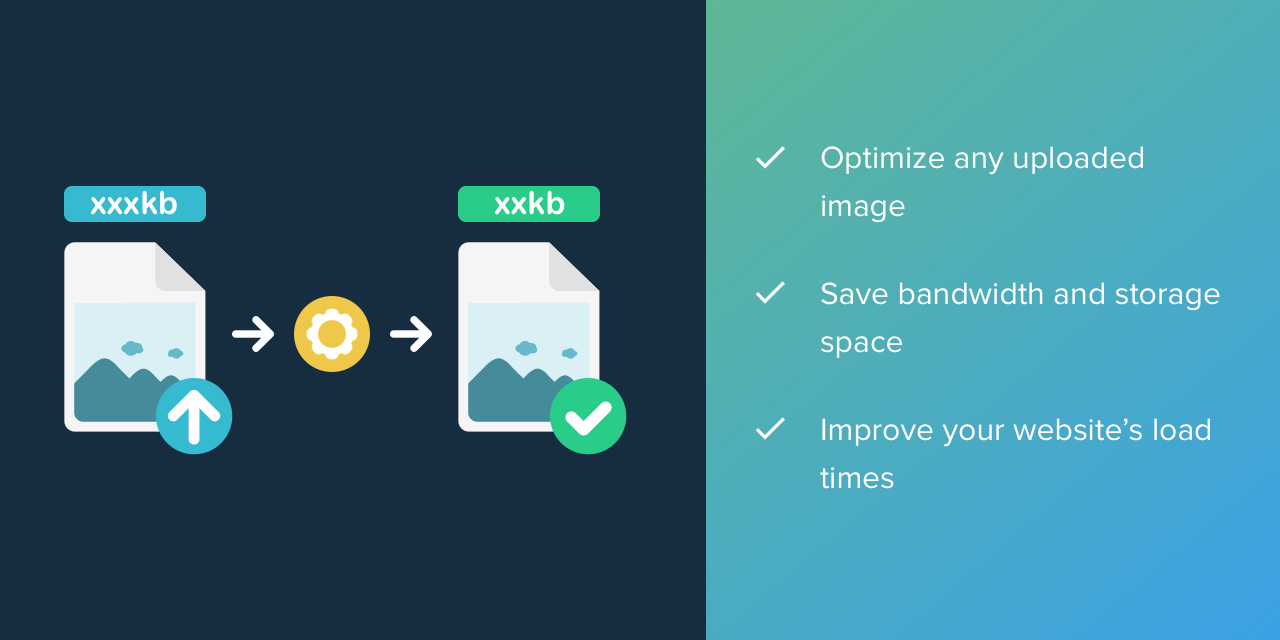

Image Optimizer
Automatically optimize any image uploaded to your forum. Compress your photos to save storage space and bandwidth and improve your website's load time. Image Optimizer supports Kraken.io, Resmush.it, jpegoptim, and pngquant.
You will need to have an active subscription on Kraken.io to use Kraken.io with Image Optimizer. To use Pngquant and Jpegoptim with Image Optimizer you must install them on your server.
General Features
- Optimize any image on your forum
- Optimize all images uploaded or optimize images via cron
- Support for Kraken.io, reSmush.it, Jpegoptim, Gifsicle, and Pngquant
- Support for user avatars, attachments (including the XenForo Media Gallery and other add-ons that use the attachment system) and proxied images
- View which images have been optimized, how much storage space was saved, and which provider was used in the status queue
Pngquant Features with Image Optimizer
- Supports png image type
- Define minimum quality
- Define maximum quality
- Choose speed
Gifsicle Features with Image Optimizer
- Supports gif image type
- Define lossiness factor
- Choose optimization mode
Jpegoptim Features with Image Optimizer
- Supports jpeg image type
- Define maximum quality
- Choose whether or not to strip EXIF data
- Choose whether or not to strip IPTC data
Kraken.io Features with Image Optimizer
- Supports gif, jpeg, and png image types
- Choose between lossless and lossy optimization types
- Preserve metadata for the image
reSmush.it Features with Image Optimizer
- Supports gif, jpeg, png, and bmp image types
- Choose whether or not to preserve EXIF metadata
Do you want to further enhance your forum? Here are some of the ways we can help!