Official page:
XStorageUP
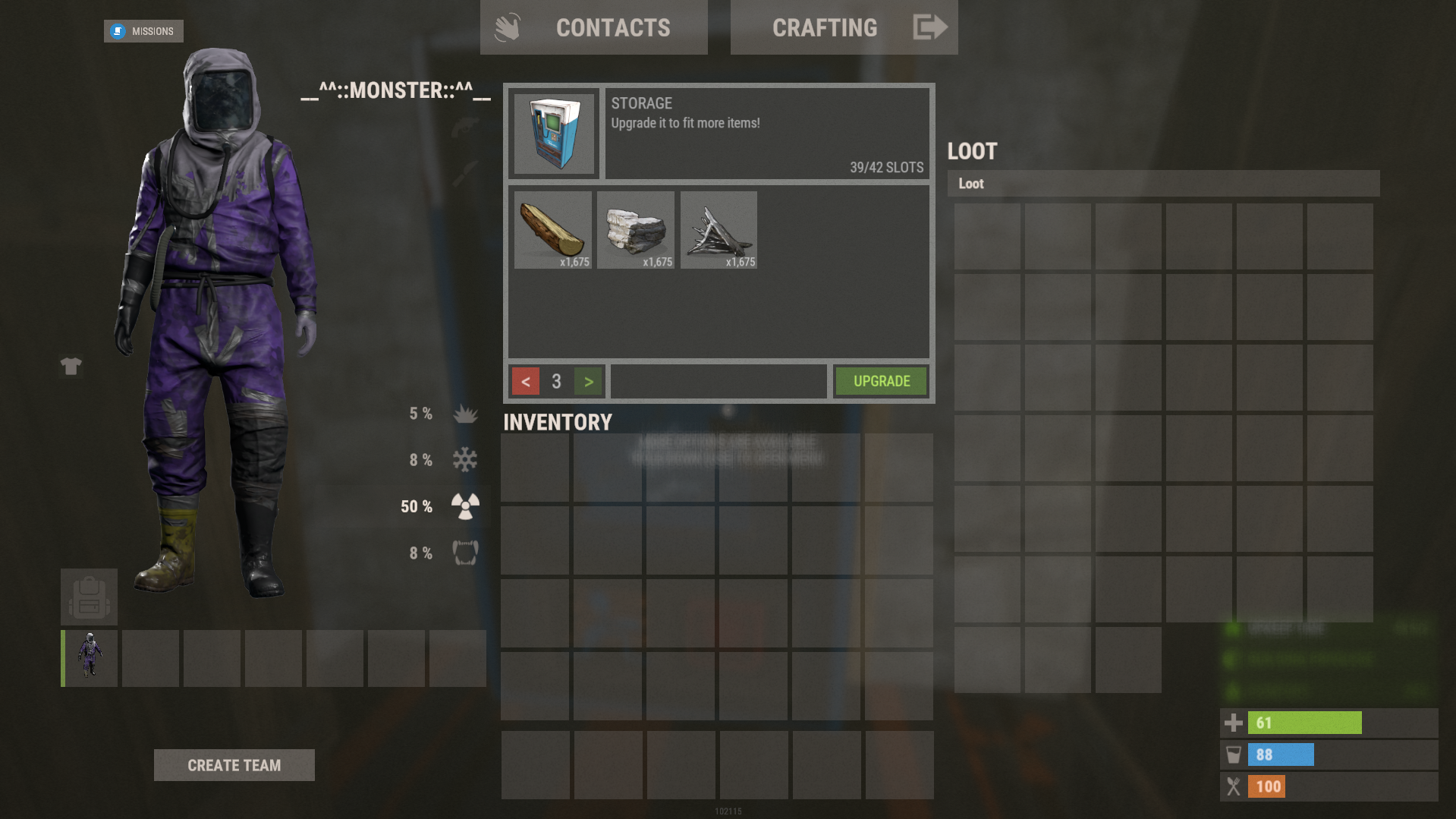
XStorageUP - an increase in the number of slots in containers. -> In the code you can switch the plugin language - LanguageEnglish = true <- - Optimization of the interface for different monitor resolutions. - Storing containers data in - oxide/data/XDataSystem/XStorageUP - There is a lang ...
 codefling.com
About XStorageUP
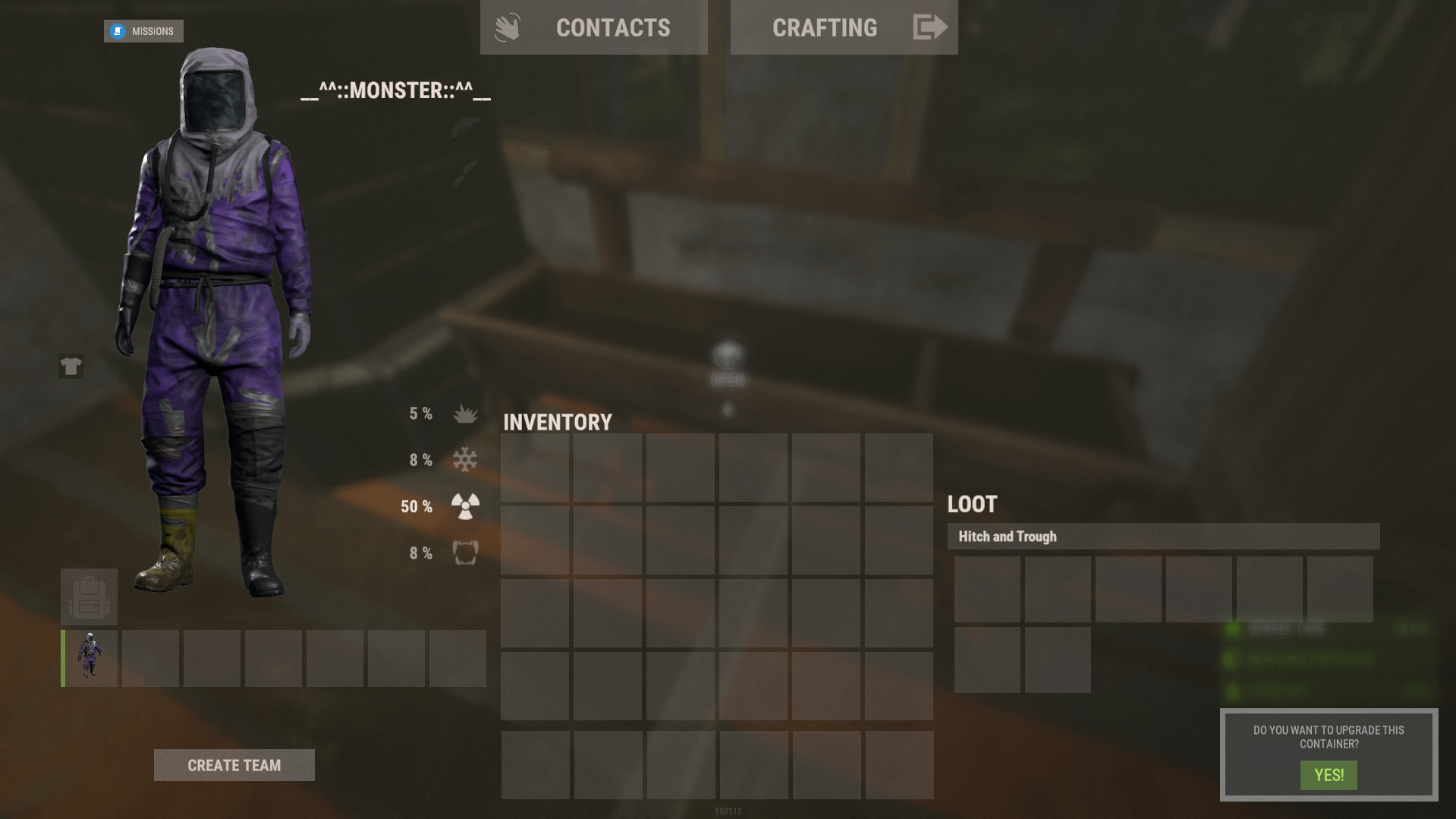
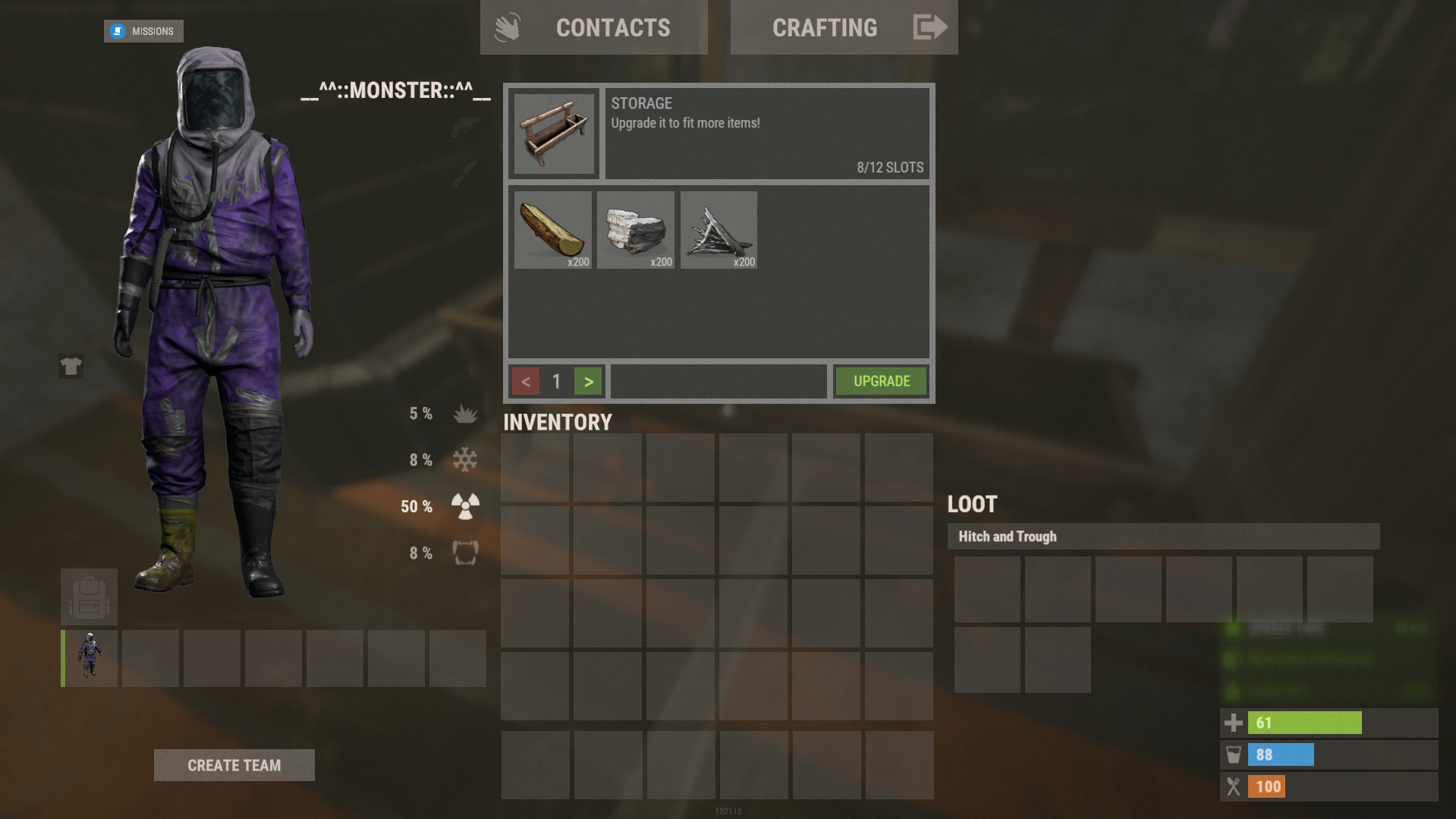
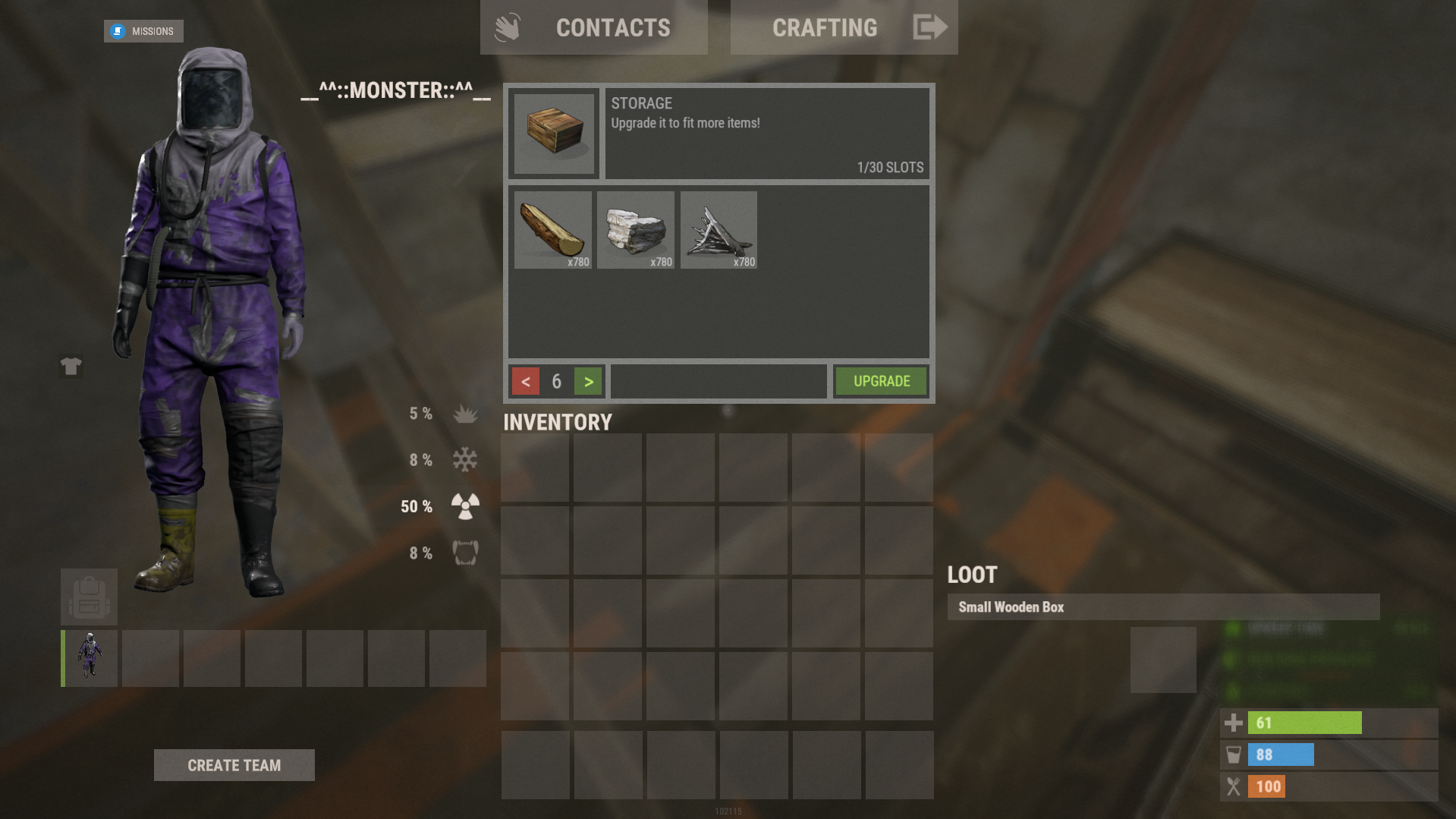
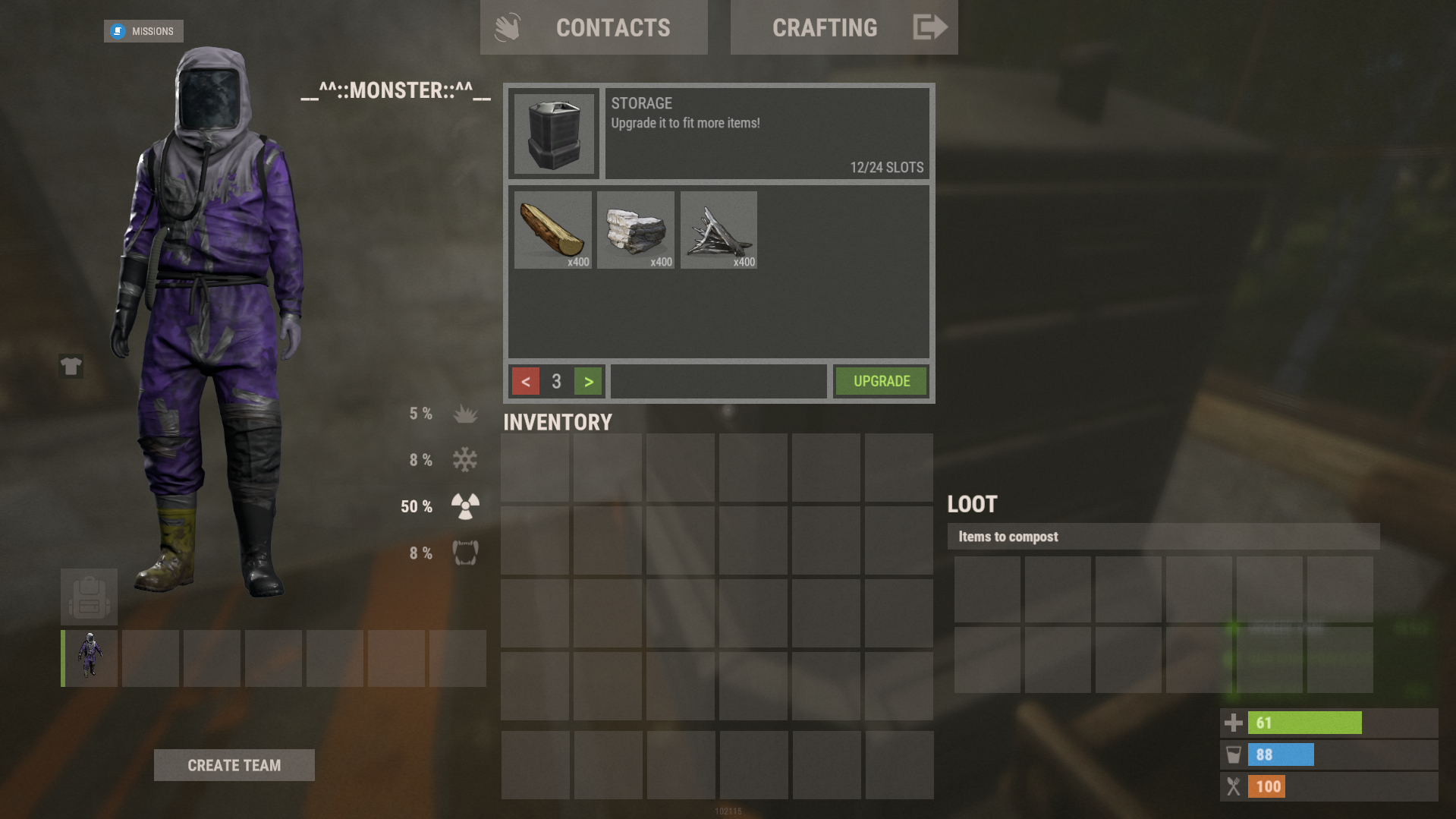
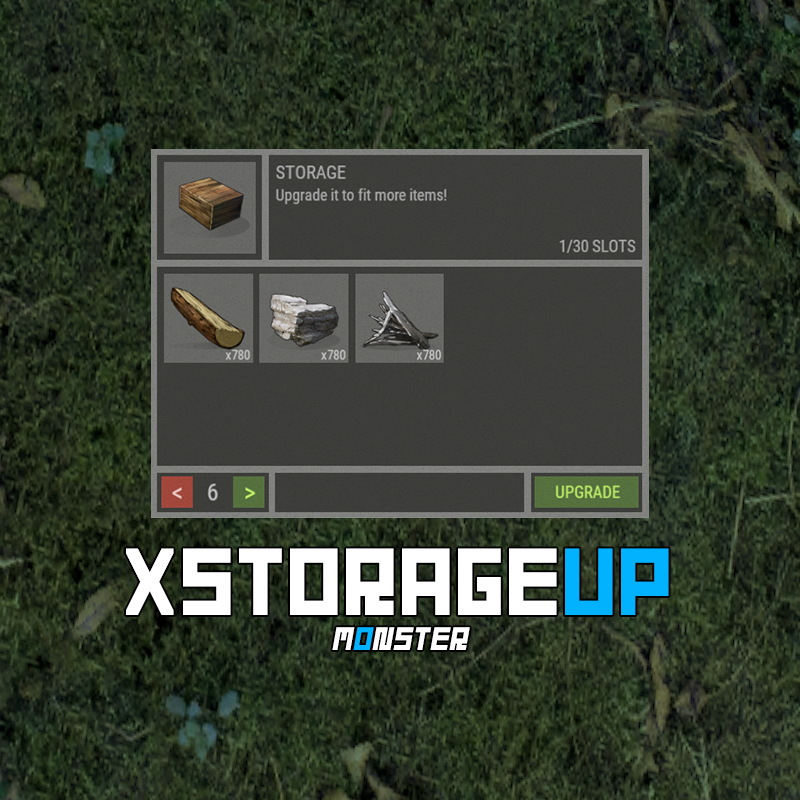
XStorageUP - an increase in the number of slots in containers.
-> In the code you can switch the plugin language - LanguageEnglish = true <-
- Optimization of the interface for different monitor resolutions.
- Storing containers data in - oxide/data/XDataSystem/XStorageUP
- There is a lang ru/en/uk/es.
- Sound effects when interacting with the menu.
- Automatic cleaning of oxide/data after wipe.
- There is an upgrading coefficient. [ The more slots, the more expensive. ]
- There are permissions to limit the number of slots.
- Upgraded containers retain their properties after restart.
- Checking for interaction with the desired container. [ If the container is destroyed, lifted or the player moves away from it, then nothing can be upgrade, and the player will receive a corresponding message on the screen. ]
- Ability to customize the initial number of slots. [ For example 0. Players will install containers without slots and upgrade them. ]
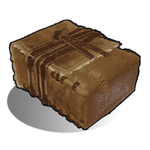
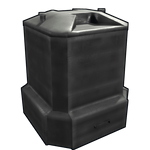
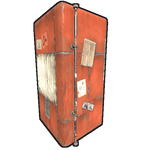
Supported containers:
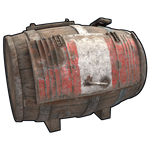
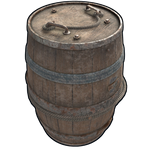
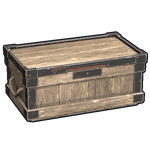
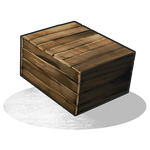


youtube.com/watch?v=FlFJ7EeL-N8
Working with the backpack plugin.
Two options for how to eliminate the backpack upgrade (plugin):
- Remove the assignment of the player ID to the container (OwnerID) so that it is always 0.
[ Only if the OwnerID of the container (backpack) is not used anywhere. ]
- Replace the Backpack container with one not used in the upgrade.
[ For instance: SUPER Stocking - assets/prefabs/misc/xmas/stockings/stocking_large_deployed.prefab ]
Permissions
xstorageup.use - allow upgrading containers.
xstorageup.vip - allow placement of upgraded containers. [ Maximum number of slots. ]
Config
{
"General settings": {
"Setting permissions to enhance N slots [ Leave blank to make unlimited for everyone ]": {
"xstorageup.10": 10,
...
},
"Button - AnchorMin": "1 0",
"Button - AnchorMax": "1 0",
"Button - OffsetMin": "-208 16",
"Button - OffsetMax": "-16 98",
"Button text size - A": 15,
"Button text size - B": 10,
"Button text size - C": 10
},
"Container settings": {
"coffinstorage": {
"Maximum number of slots": 48,
"Container type": "generic_resizable",
"Coefficient. Make a container upgrade more expensive with every N slot": 0.2,
"List of resources for upgrade one slot": {
"wood": 100,
"stones": 100,
"metal.fragments": 100
}
},
...
},
"If the prefab and item shorts do not match [ ShortnamePrefab -> ShortnameItem ]": {
"coffinstorage": "coffin.storage",
"woodbox_deployed": "box.wooden",
...
},
"Initial number of slots": {
"coffinstorage": 48,
"storage_barrel_c": 48,
...
}
}