
| 
|
| 
|
Features
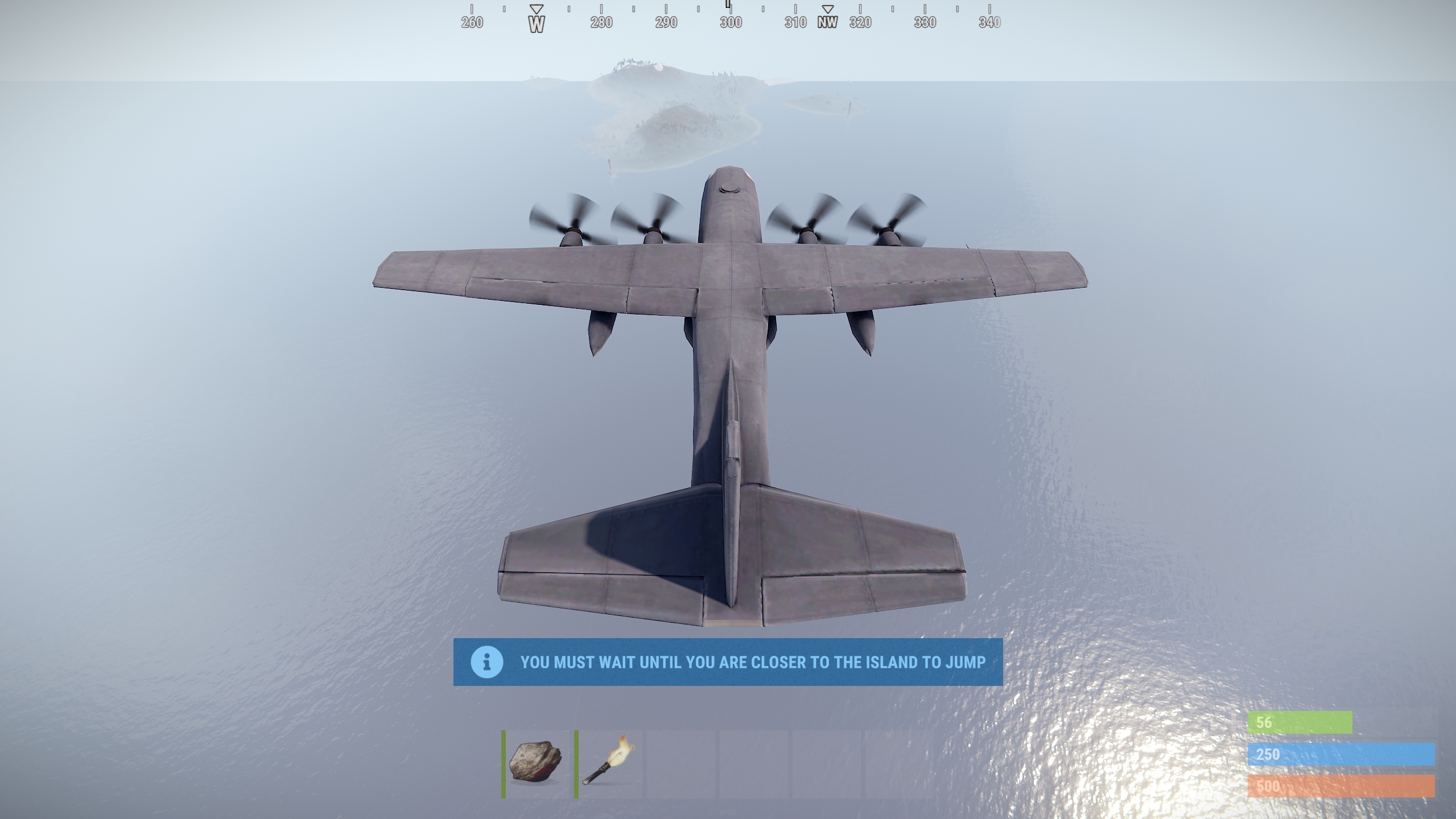
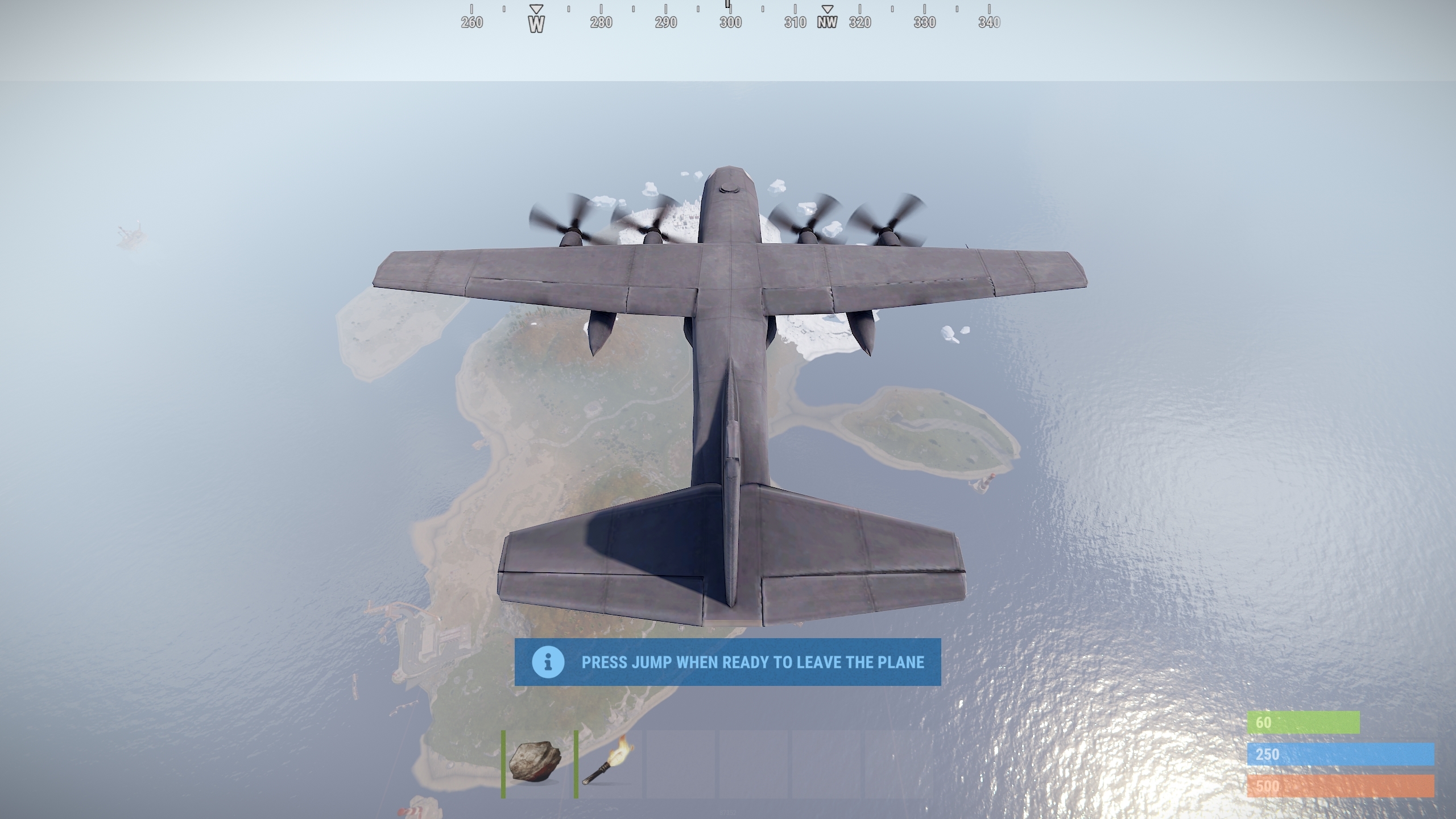
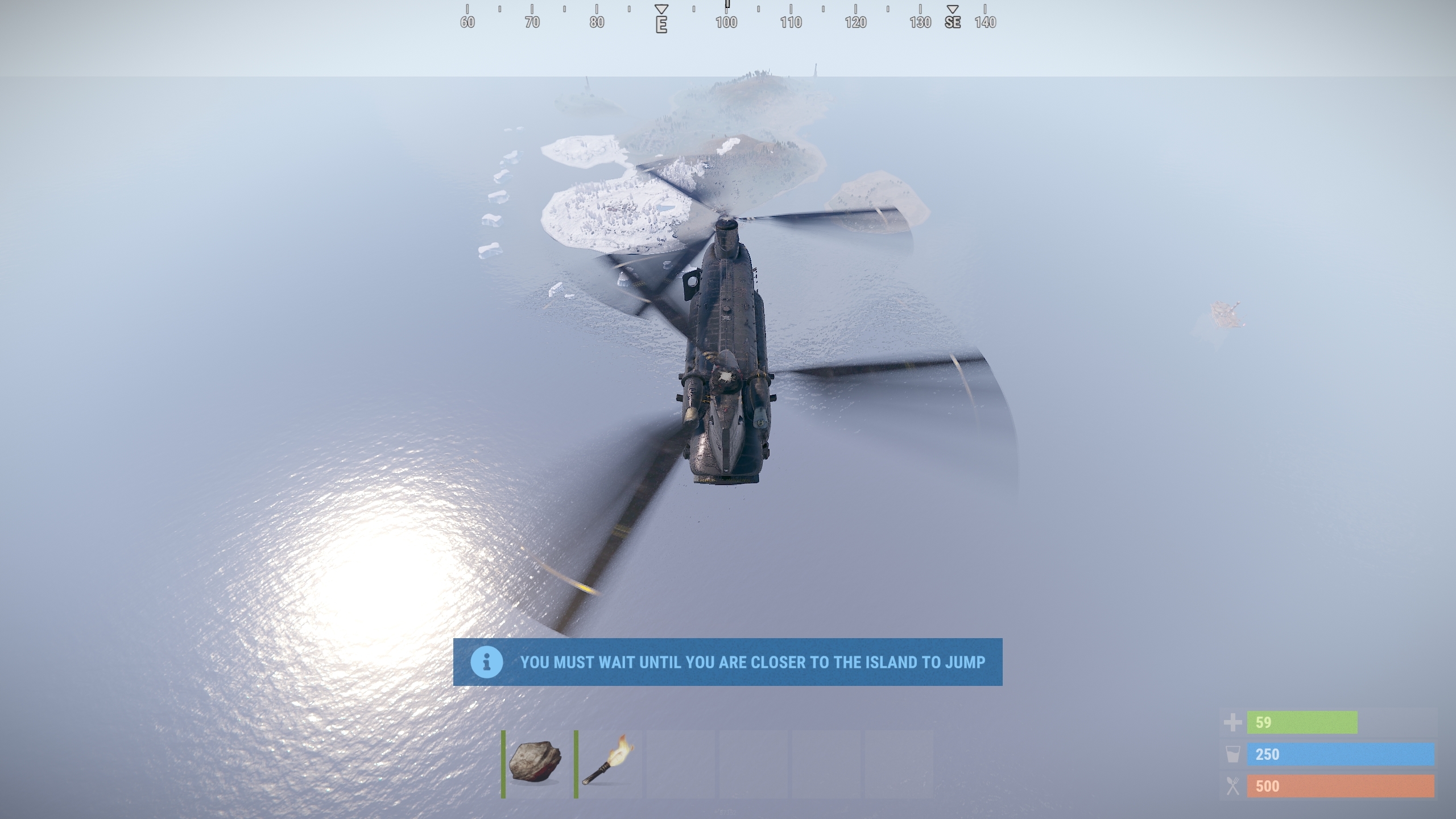
Option to select either a Cargo Plane, CH47 helicopter or F15 jet as the transport vehicle.
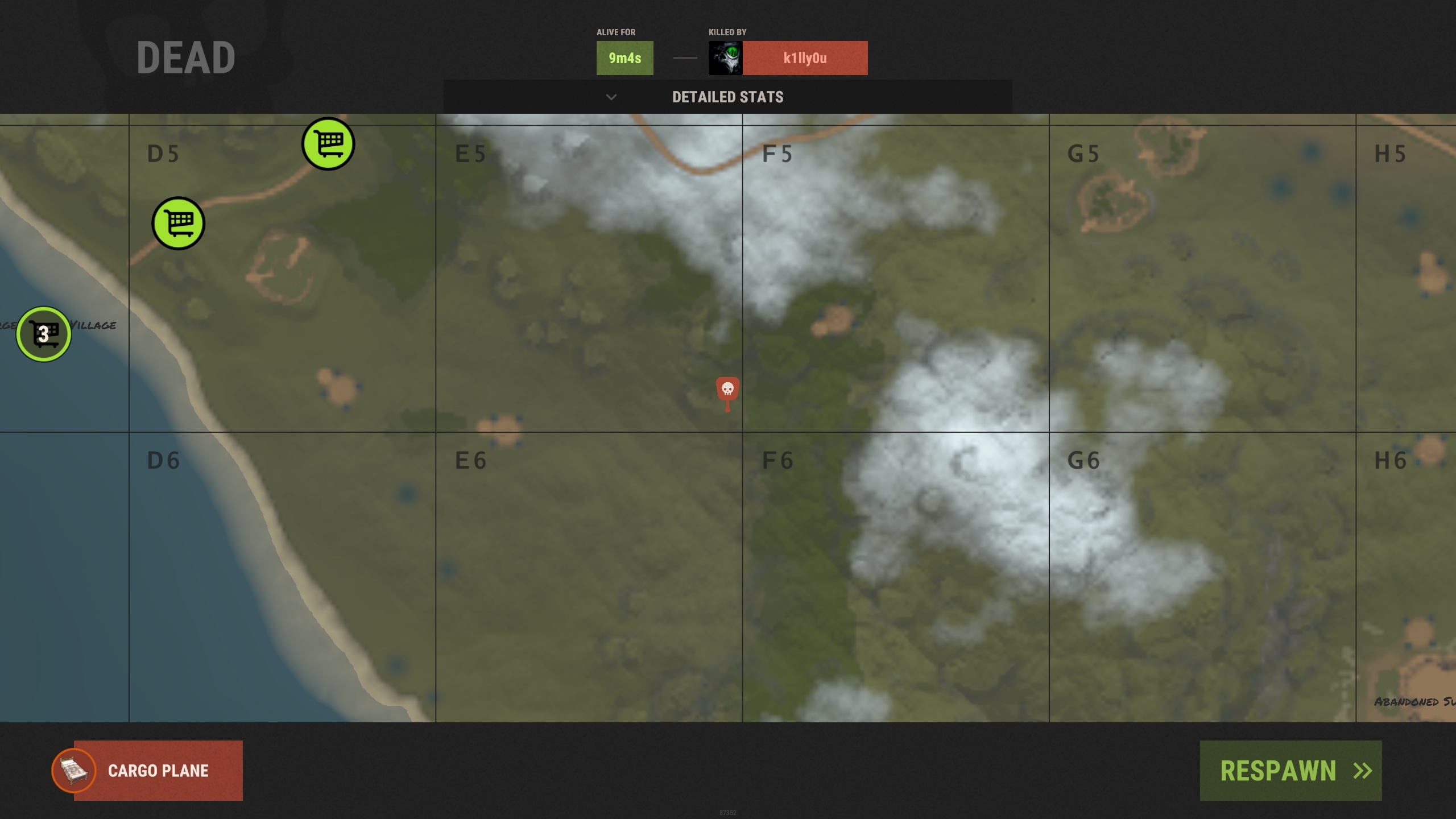
Shows the aircraft as a respawn location in the death screen.
Option to force all random spawns to be from the aircraft (the 'Respawn' button in the death screen)
Adjust the altitude and speed of the aircraft.
The aircraft will continually fly randomly across the map and out of sight before returning for another random pass.
Players can only jump when they are within the world bounds.
Optional cooldown time.
Option to adjust the condition of the parachute to reduce movement ability.
Option to remove the parachute once it has been used.
Permissions
AirbourneSpawn uses Oxides permission system
To assign a user permission use oxide.grant user "username|steam id" "permission" in console.
To assign a group permission use oxide.grant group "groupname" "permission" in console.
You can read more about how to use the permission system here : uMod - Permissions
airbournespawn.use - Required to have the option appear in the death screen
airbournespawn.ignorecooldown - Players with this permission are exempt from the cooldown time
Notes
- Cooldowns are applied when the player has jumped from the aircraft
- Enabling "Force random respawns to be on the plane" in the config with disable both the custom respawn location and cooldowns
- Available options for the config option "Mode (See plugin overview for options)" are; "CargoPlane", "CH47" and "F15"
Auto Kits
The plugin supports specifying multiple kits in the "Give kit on respawn" config option. Simply add multiple kit names separated by a comma. When a autokit is issued to the player it will be randomly selected from this list
Example:
"Give kit on respawn (kit name, leave blank for none)": [COLOR=rgb(126, 169, 196)]"kit1,kit2,kit3,kit4"[/COLOR]Configuration
The configuration file can be found in your server directory at .../oxide/config/AirbourneSpawn.json
The use of an editor and validator is recommended to avoid formatting issues
Code:
{
  "Flight Options": {
    "Altitude (150 - 450)": [COLOR=rgb(232, 189, 137)]450.0[/COLOR],
    "Speed": [COLOR=rgb(232, 189, 137)]40.0[/COLOR],
    "Mode (See plugin overview for options)": [COLOR=rgb(126, 169, 196)]"CH47"[/COLOR]
  },
  "Spawn Options": {
    "Force random respawns to be on the plane": [COLOR=rgb(232, 189, 137)]false[/COLOR],
    "Spawn cooldown (seconds)": [COLOR=rgb(232, 189, 137)]60[/COLOR],
    "Give kit on respawn (kit name, leave blank for none)": [COLOR=rgb(126, 169, 196)]""[/COLOR]
  },
  "Parachute Options": {
    "Parachute condition (0.0 - 1.0)": [COLOR=rgb(232, 189, 137)]0.5[/COLOR],
    "Destroy parachute after use": [COLOR=rgb(232, 189, 137)]true[/COLOR]
  },
  "Version": {
    "Major": [COLOR=rgb(232, 189, 137)]1[/COLOR],
    "Minor": [COLOR=rgb(232, 189, 137)]0[/COLOR],
    "Patch": [COLOR=rgb(232, 189, 137)]0[/COLOR]
  }
}


