Official page:
CubeBuild
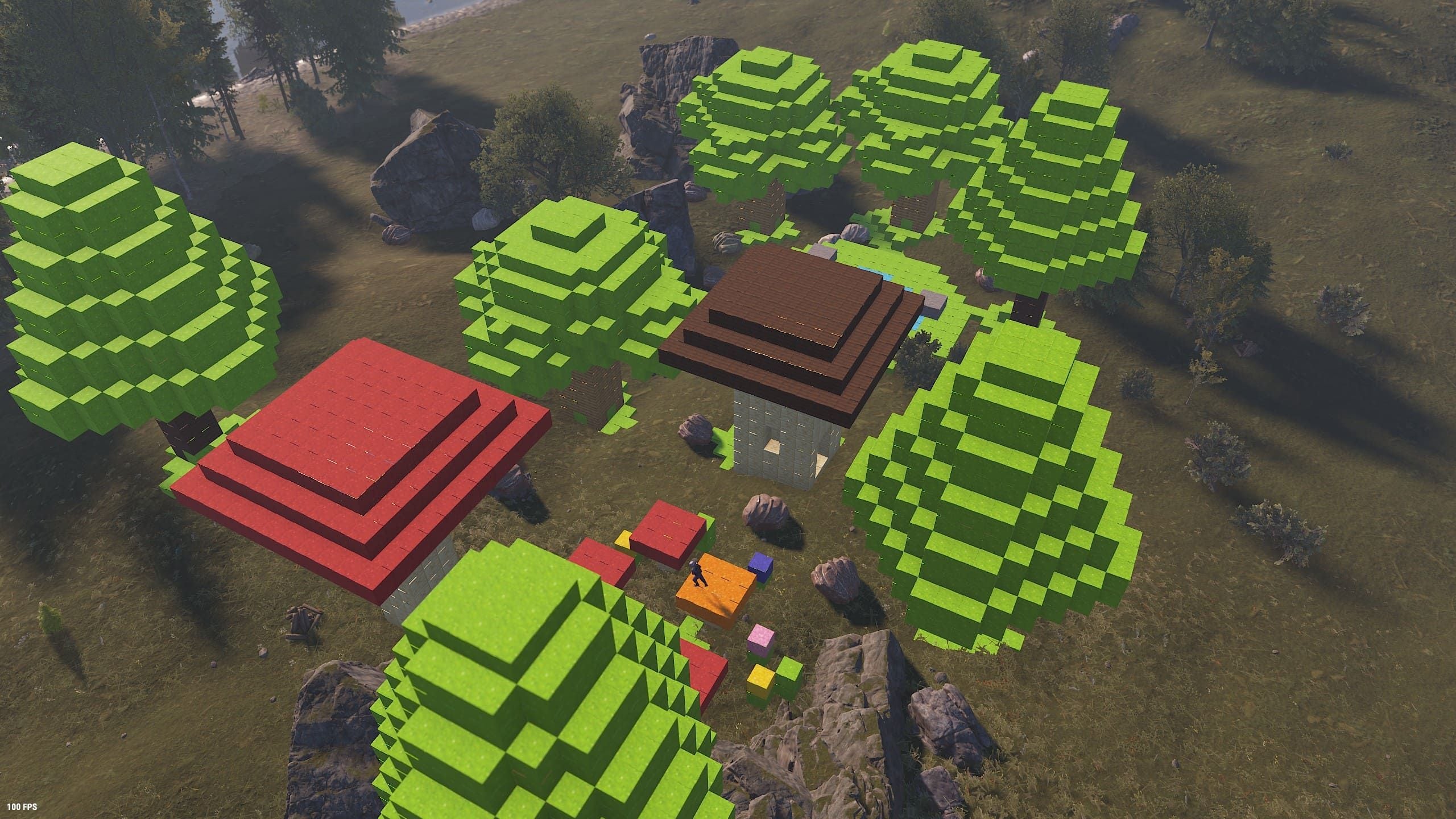
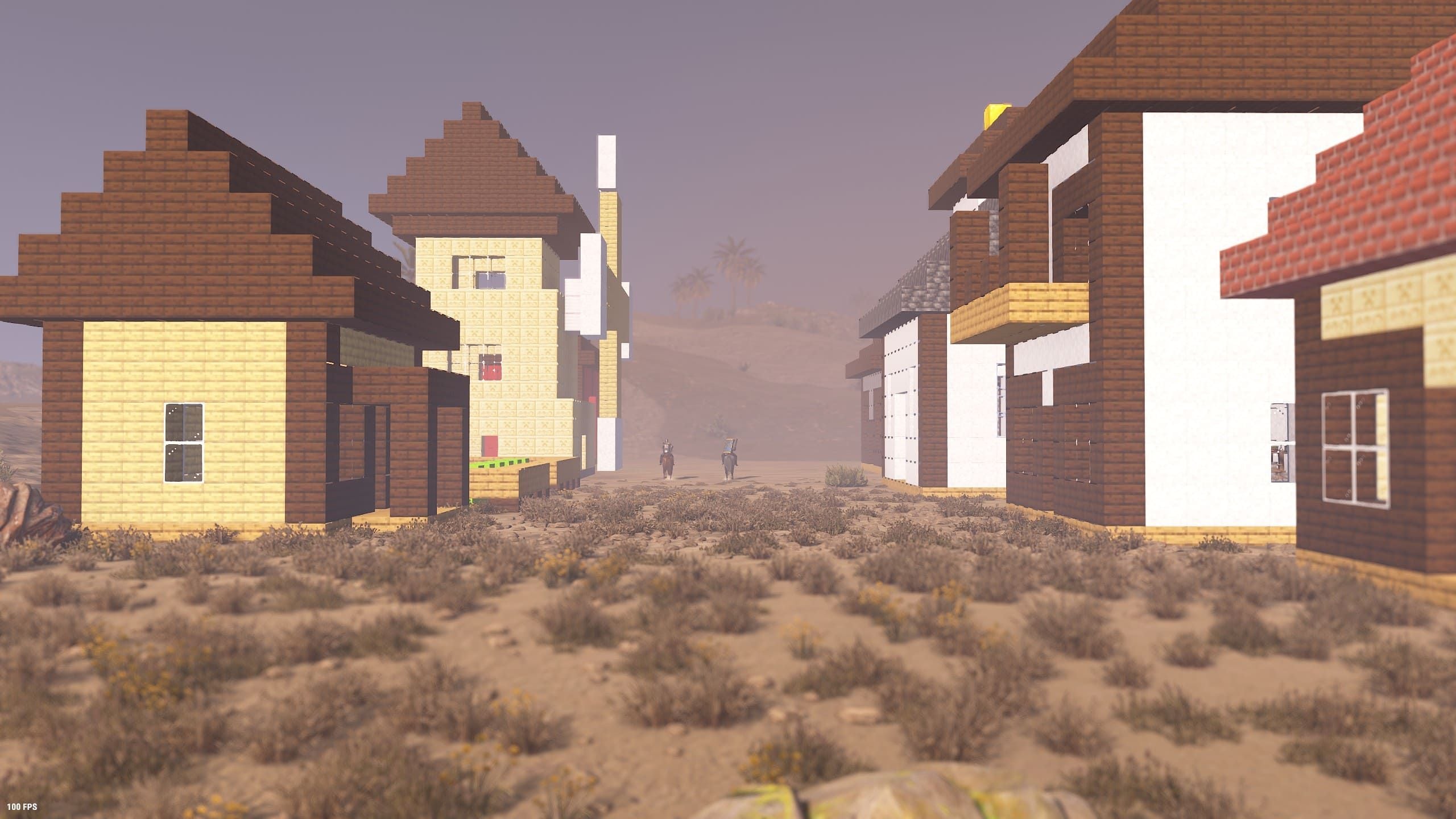
CubeBuild is a plugin that adds Minecraft-style building with cube blocks. Players receive a special building plan and can create structures from blocks: houses, castles, towers, statues, and many other objects that are difficult or impossible to build with the standard building system. Cube stru...
 codefling.com
Chinese
English
English
Works with
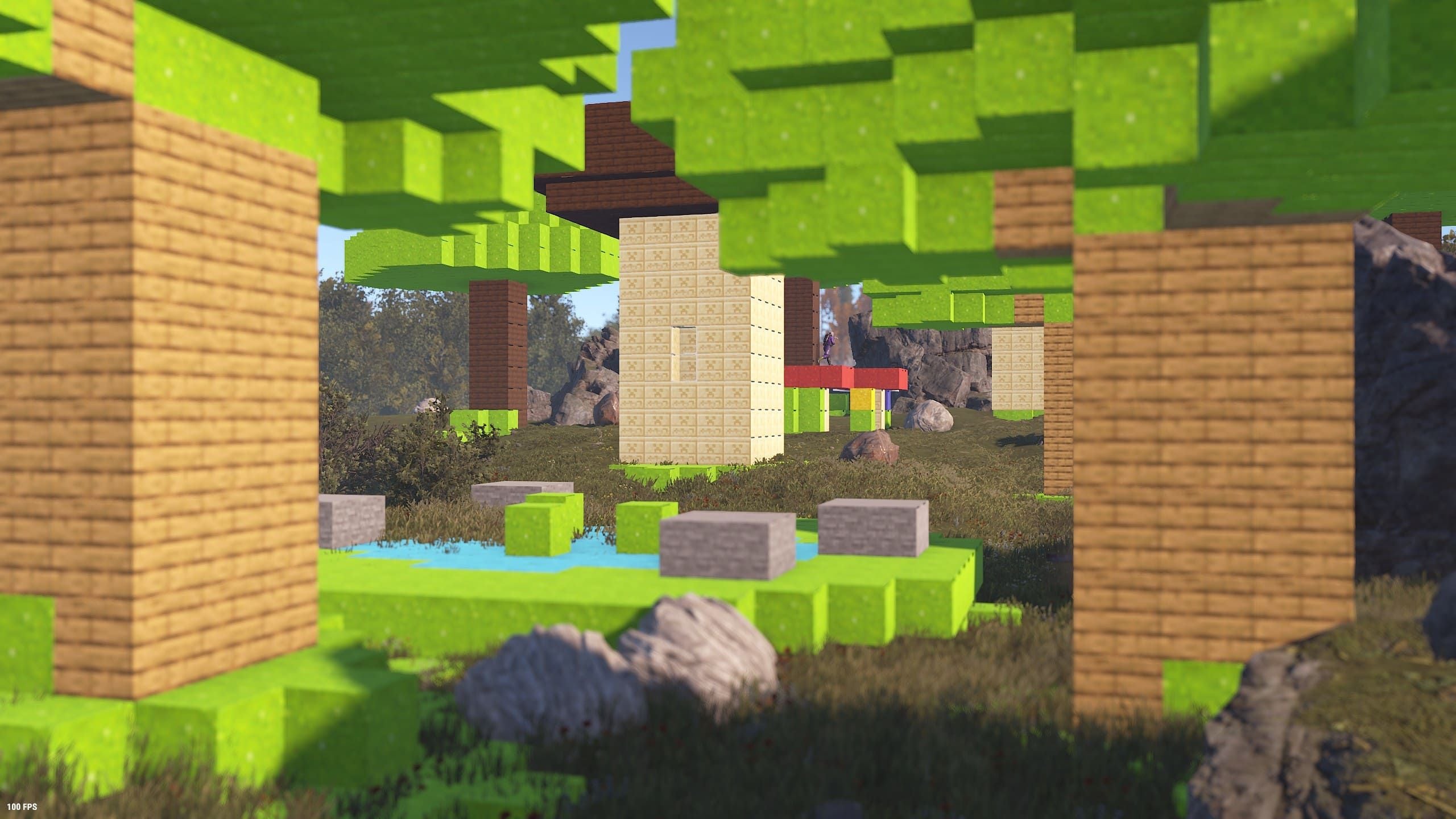
CubeBuild is a plugin that adds Minecraft-style building with cube blocks.
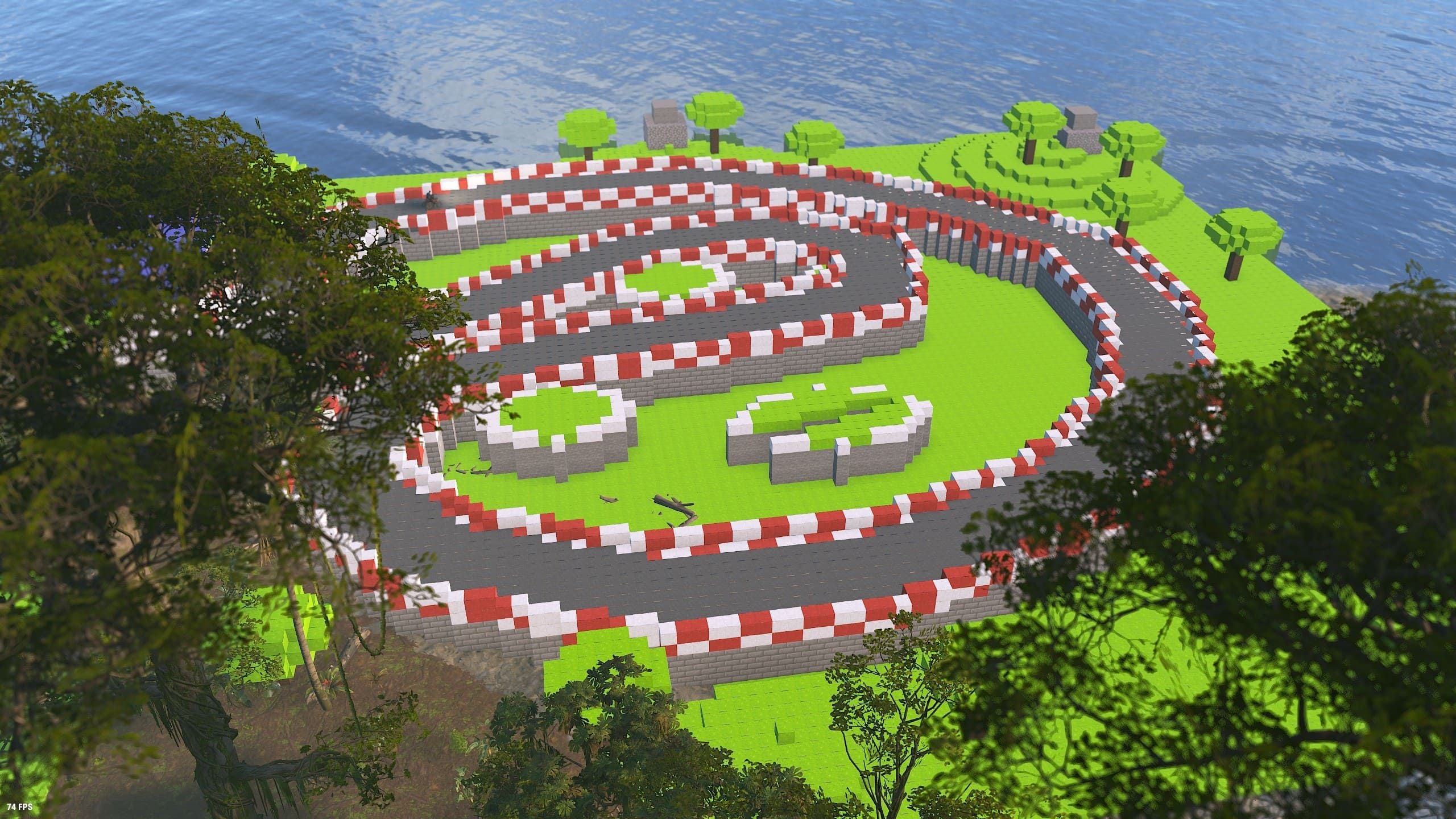
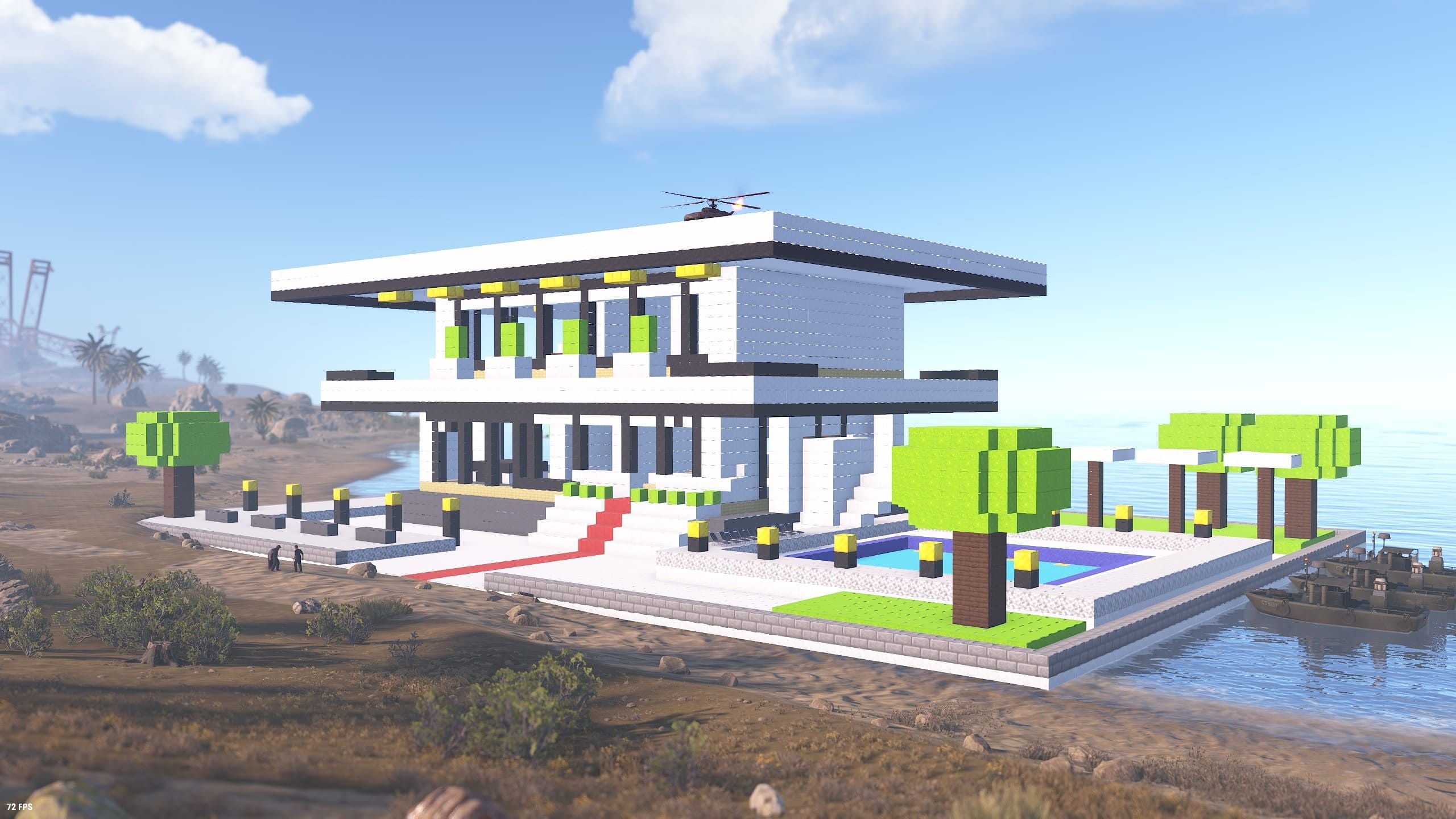
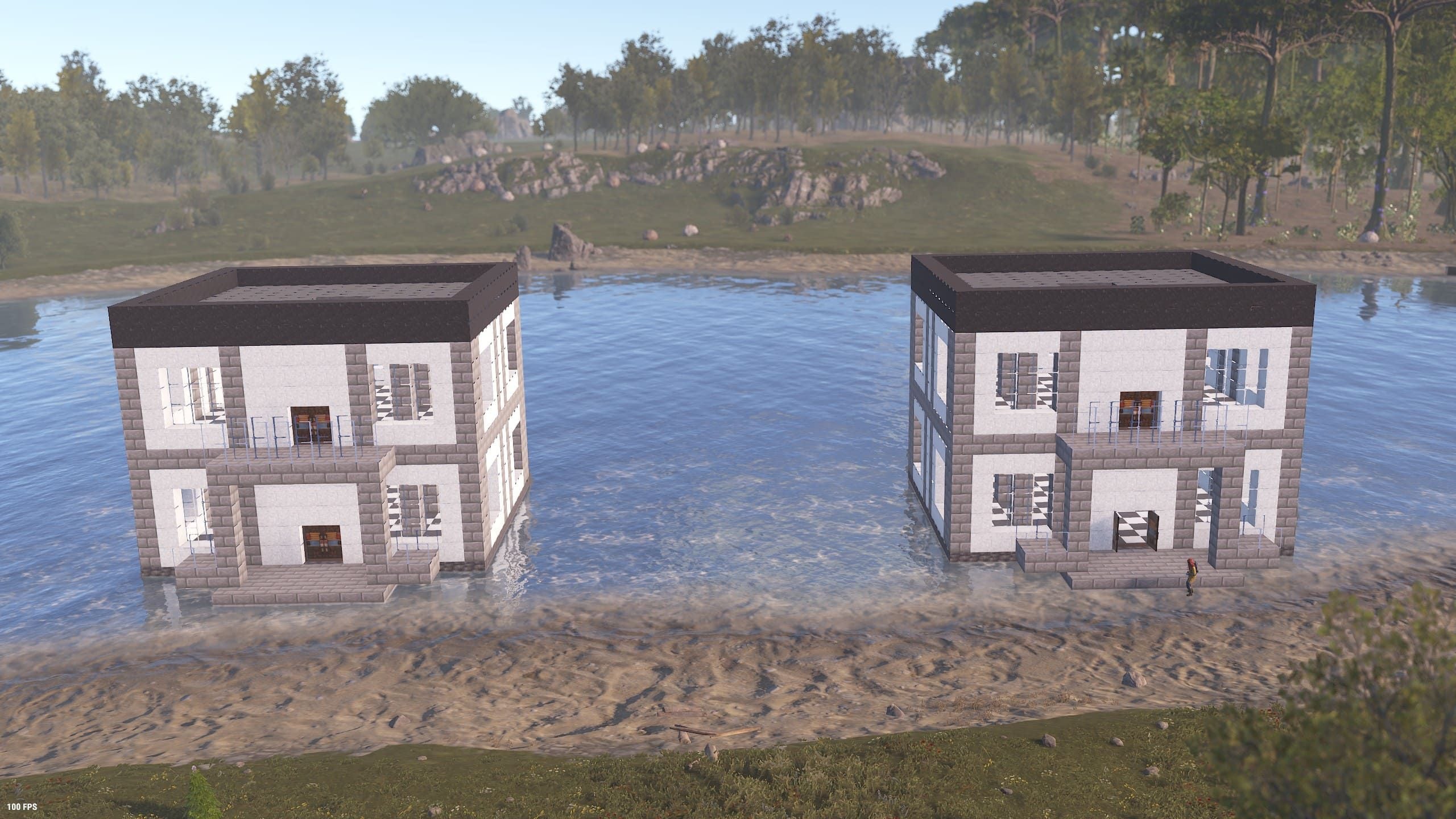
Players receive a special building plan and can create structures from blocks: houses, castles, towers, statues, and many other objects that are difficult or impossible to build with the standard building system.
Cube structures can be used not only as decorations. Players can place regular deployable objects inside these buildings, such as boxes, workbenches, furnaces, planters, lights, sleeping bags, and other items needed for gameplay and progression.
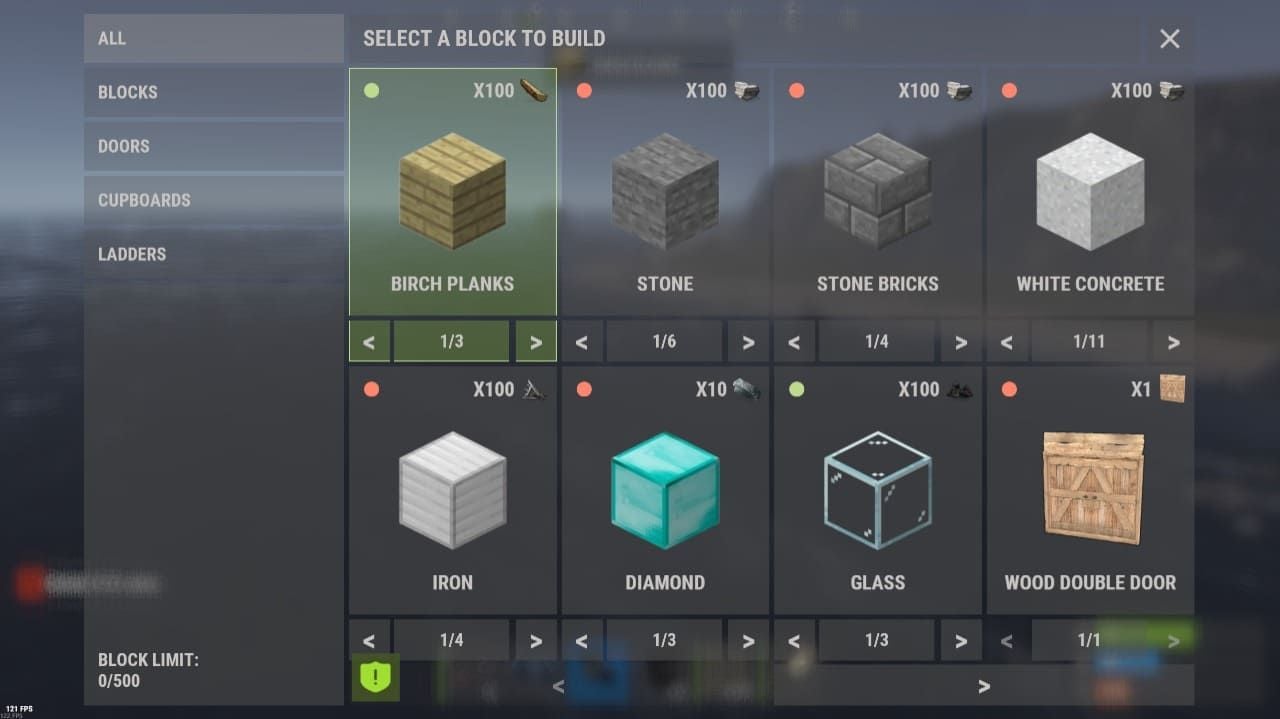
There are currently 7 block categories available: wood, stone, brick, concrete, metal, high quality metal, and glass. Each category includes several skins, allowing players to combine different materials, colors, and textures in one build.
More than 30 block variants are currently available. More blocks may be added in the future based on customer requests.
AI Building Generation
The plugin includes instructions for generating ready-to-use builds with AI.
You can describe the build you want in ChatGPT, for example: a castle, village, tower, statue, or arena. After that, AI will generate a special building file in the CubeBuild format.
Simply add this file to the plugin data folder, and the build can be pasted on the server with one command:
/cubepaste <presetName>
Plugin reload is not required.
This allows you to quickly create new objects without placing every block manually. An administrator can generate a build, upload the file to the server, and instantly place it in the desired location.
The instruction has been tested only with ChatGPT. Compatibility with other AI services is not guaranteed.
Copy and Paste
The built-in copy and paste system allows you to save completed builds and place them later.
You can build an object once, save it as a preset, and reuse it at any time.
At the moment, this feature is intended for administrators only.
Custom Building Privilege
CubeBuild has its own building privilege system, which replaces the standard building privilege for cube structures.
It is designed to protect the house from decay and works as a separate upkeep system. If there are enough resources, the structure will be protected from decay. If the resources run out or are not sufficient, the cube blocks will gradually start to decay.
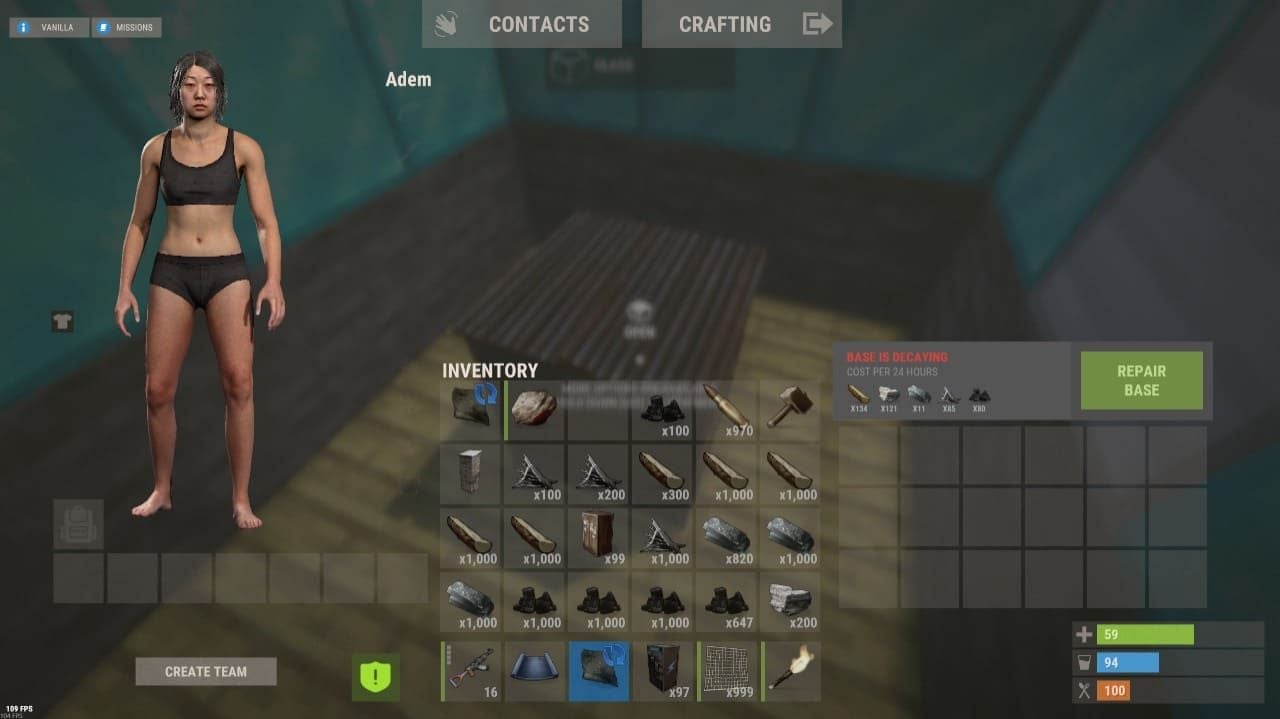
The building privilege UI also includes a convenient repair feature. A player can repair the entire house inside the privilege zone with one button, without repairing each block manually.
Limitations
CubeBuild uses separate entities for cube blocks, so they should not be placed in unlimited amounts.
The config includes block limits for each player. It is not recommended to disable these limits or set them too high.
I cannot guarantee stable plugin performance if more than 50,000 cube blocks are placed on the server.
Chat Commands
- /givecubeplan - gives a custom building plan. Admin only.
- /killallcubes - deletes all cubes and custom doors created by the plugin. Admin only.
- /cubecopy <radius> <presetName> - copies a cube structure within the specified radius and saves it as a preset.
- /cubepaste <presetName> - pastes a previously saved build.
- /cubedelete <radius> - deletes cubes within the specified radius.
Console Commands
- givecubeplan <userId> [amount] - gives one or more custom building plans to a player.
Permissions
- cubebuild.building - allows players to use the custom building plan.
- cubebuild.copy - allows players to use the copy command.
- cubebuild.paste - allows players to use the paste command.
- cubebuild.delete - allows deleting blocks within a radius.
Plugin Config
en – example of plugin configuration in English
ru – example of plugin configuration in Russian