

DiscordSynthesis (Discord Synthesis) is the ultimate bidirectional Discord–Minecraft integration plugin — link your Discord to your Minecraft server with two-way chat sync (chat bridge/relay), account linking, role sync, proximity voice, console control, ban sync and 20+ features. A powerful, fully-configurable with deep plugin integrations — everything you need to bridge your Discord and Minecraft communities in one package.
Works on: Spigot / Paper · BungeeCord · Velocity | Minecraft: 1.13 - 26.1
 View Full Feature Showcase on Our Website
Messages flow naturally between Minecraft and Discord with full formatting support.
- Multiple sync modes — TEXT, WEBHOOK, or EMBED
- Webhook avatars with player heads (+ SkinsRestorer support)
- Markdown translation — bold, italic, underline, strikethrough ↔ MC color codes
- Mention translation — @ Username works across both platforms
- Reply support — Discord replies shown in Minecraft
- Emoji support — Unicode or shortcode modes
- Chat filters with REGEX/EXACT/CONTAINS and BLOCK/REPLACE/WARN actions
- Anti-spam cooldown system
- Multi-channel mapping for different chat channels

Minecraft → Discord

Discord → Minecraft

Reply Threading
Secure verification connecting Minecraft and Discord identities.
- Cryptographically secure one-time verification codes
- Optional required linking to join the server
- Link and unlink reward commands
- Discord role requirement checks on join
- Notifications via Discord DM

Control server access based on Discord roles.
- Role requirement checks — ALL, ANY, or NONE modes
- Interactive Allow/Deny buttons in Discord DMs
- Blacklisted role enforcement
- Potion effects for unauthorized players
- Duplicate name prevention

Bidirectional sync between MC groups/permissions and Discord roles.
- Group sync — MC permission groups ↔ Discord roles
- Permission sync — Individual permissions ↔ Discord roles
- Authority system — Choose DISCORD or MINECRAFT or BOTH (mirror) priority
- Nickname sync — Discord nicknames match MC usernames
- Auto-assign connected role on linking
- Periodic resync for consistency
- Mirror mode (BOTH) — Remove a rank on either side and it's removed on both
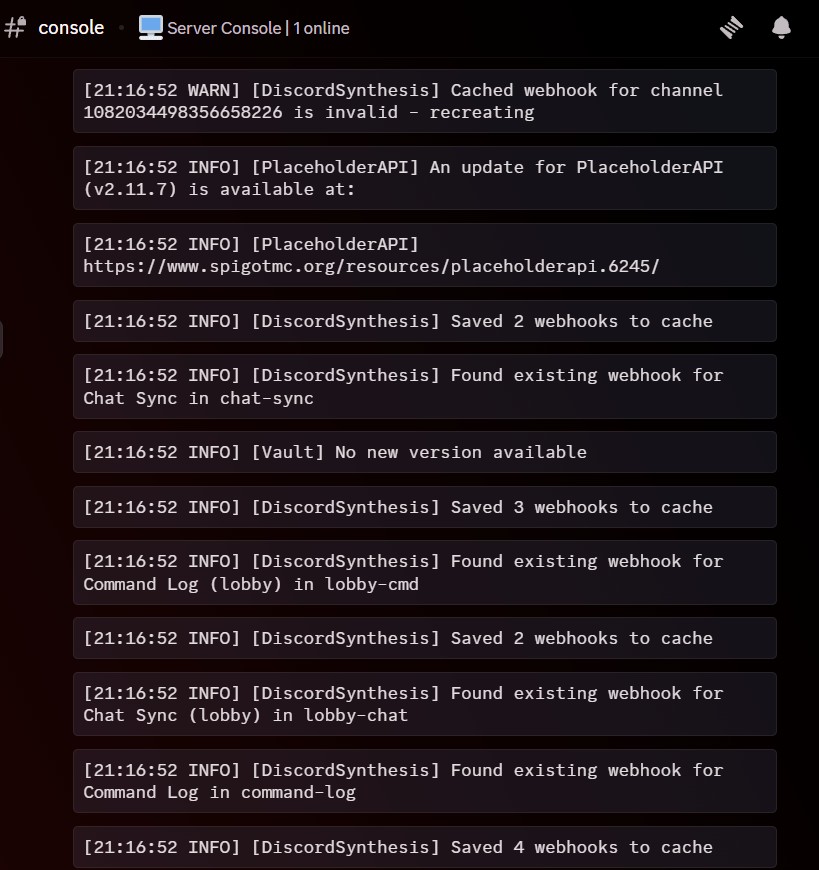
Execute server commands from Discord with security controls.
- Role-based execution permissions
- Whitelist/blacklist command filtering with wildcards
- Command output feedback to Discord
- Full audit logging to separate channel
- Dangerous commands blocked by default (op, deop, stop, restart, reload)

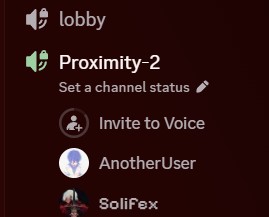
Proximity-based voice using Discord voice channels.
- Nearby players auto-grouped into same voice channel
- Dynamic channel creation and cleanup
- Configurable proximity distance in blocks
- Lobby system for default channel
- Stability system prevents rapid switching
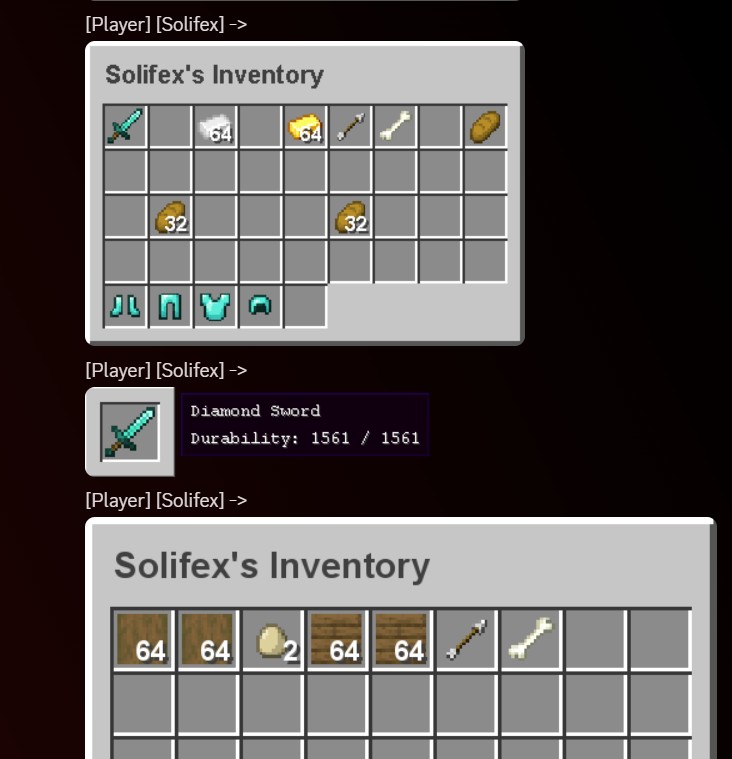
Share items, inventories, and ender chests as rendered images.
- [item] — Share held item with tooltip details
- [inv] — Display full inventory as rendered image
- [enderchest] — Show ender chest contents
- Enchantment glint, durability bars, stack counts
- Resource pack support for custom textures
- Image caching for performance
Bidirectional ban sync between Minecraft and Discord.
- Authority modes — MINECRAFT, DISCORD, or BOTH
- Role-based bans or guild bans
- Staff notifications to designated channel
- Custom commands on ban/unban events
- Full ban history with source tracking

- Join/Leave — Custom formatted player join/leave notifications
- Death Log — Player deaths with killer information
- Advancements — Achievement announcements (Spigot)
- Server Switch — Proxy server switch tracking (Bungee/Velocity)
- Command Log — Player commands logged with sensitive command blacklist
- Server Status — Startup and shutdown notifications

 Statistics & Rewards
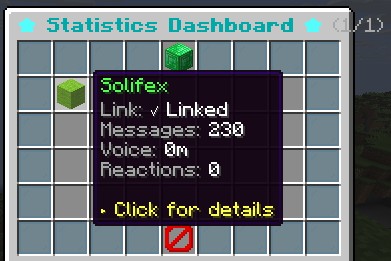
- Track messages, voice minutes, and reactions per player
- Reward milestones for text messages and voice activity
- Dynamic Discord channel names showing live player count and custom stats
- Duplicate reward prevention
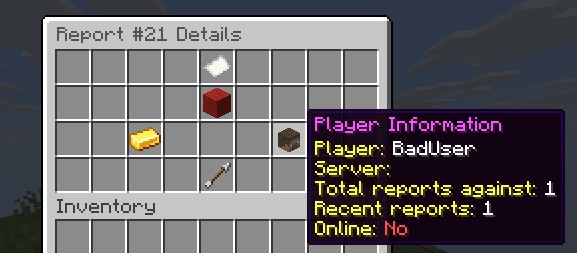
 Reporting System
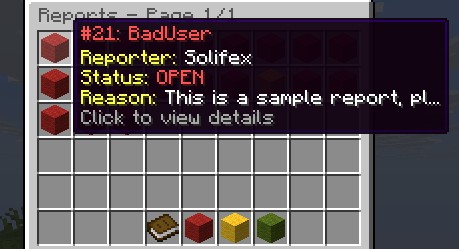
- Player reports with /report command
- Full in-game GUI — filter, sort, search, claim, resolve, comment
- Report lifecycle: NEW → CLAIMED → RESOLVED
- Teleport to report location
- Rate limiting and Discord notifications
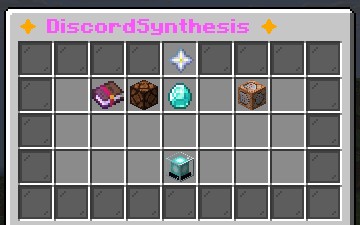
 Admin Panel GUI
- Central hub with access to all management screens
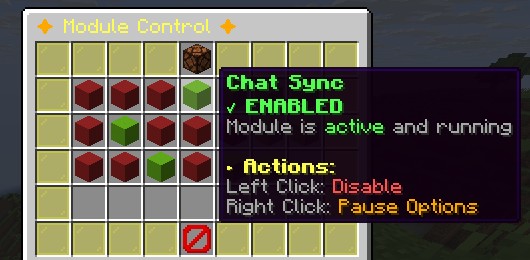
- Module Control — enable, disable, pause modules in real-time
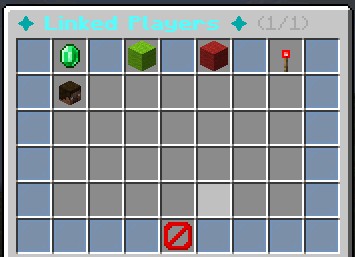
- Player Management — view linked players, filter, search, manage
- Statistics Dashboard — per-player activity metrics
- Config Editor — reload configs, view file locations
 Broadcasting
- Send announcements to all players AND Discord simultaneously
- Title messages in Minecraft with embed support for Discord
 Bug Reporting
- Players report bugs to Discord with /reportbug
- Staff notifications and title messages
 Bot Presence
- Custom status — PLAYING, WATCHING, LISTENING, COMPETING
- Dynamic placeholders and configurable online status


![XLTournaments ✅ Ultimate Global Tournament Plugin ⭐ 25+ Objective Types [1.20+]](/data/resource_icons/1/1396.jpg?1718365033)
![[$35] Akaza - Boss/NPC](/data/resource_icons/13/13365.jpg?1785177436)


![:【Kix's Chat Games】: Engage your servers chat with fun & competitive chat based games! [1.8-1.19+]](/data/resource_icons/5/5697.jpg?1718365600)


