




GUIDE — How to Set Up a PvE Server with TruePVE & ZoneManager
PvP at Monuments | Raids on Weekends | Updated March 2026 | Works with Oxide & Carbon
PvP at Monuments | Raids on Weekends | Updated March 2026 | Works with Oxide & Carbon
Running a PvE Rust server is one of the most popular server types right now — but the setup confuses most admins. This guide shows you exactly how to make a full PvE server where monuments are PvP zones, buildings cannot be raided on weekdays, and raids are enabled on weekends.
Step 1 — Required Plugins
You need two plugins working together:
- TruePVE — controls damage rules server-wide (free on uMod.org)
- ZoneManager — creates zones where different rules apply (free on uMod.org)
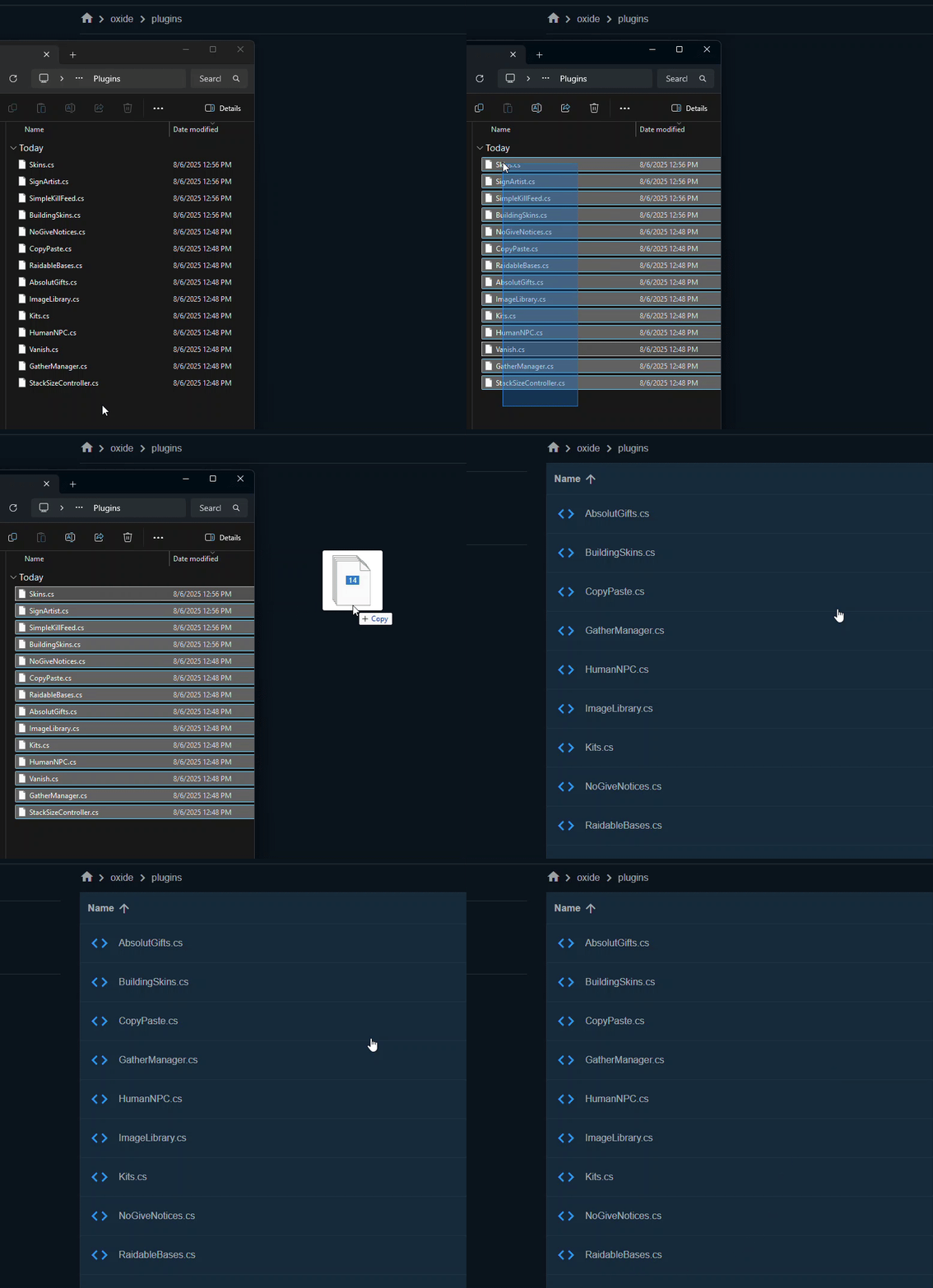
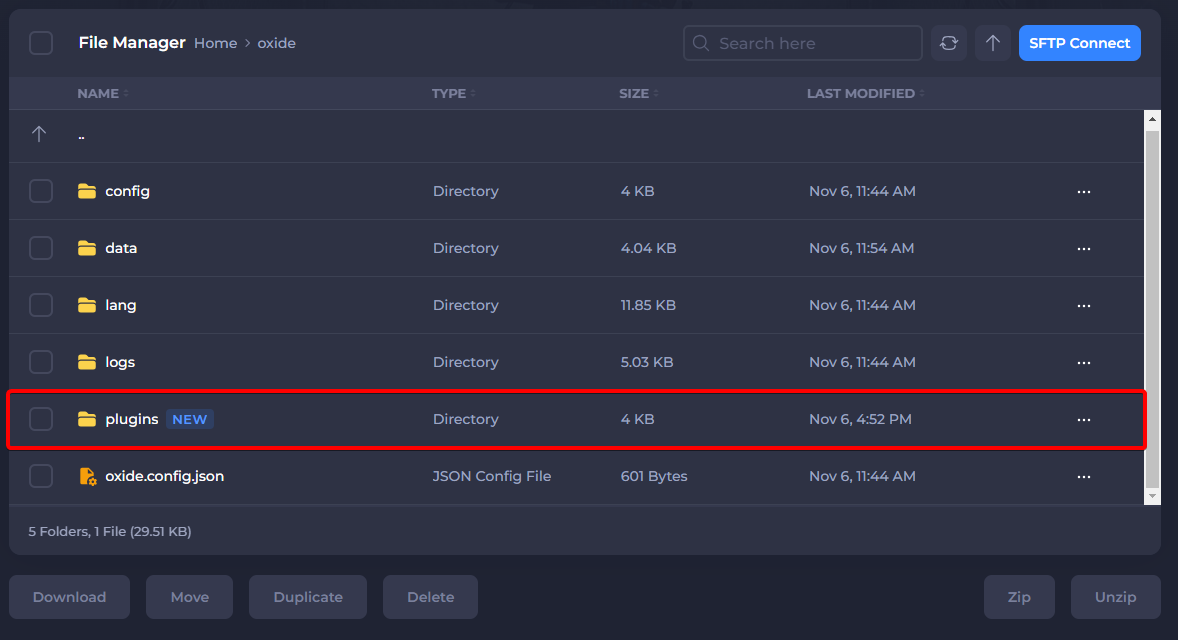
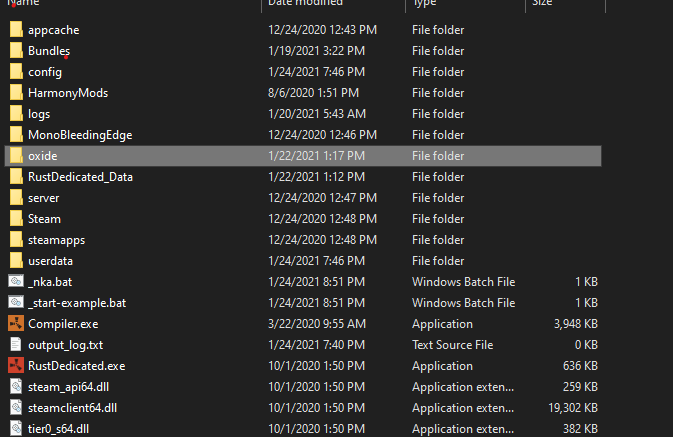
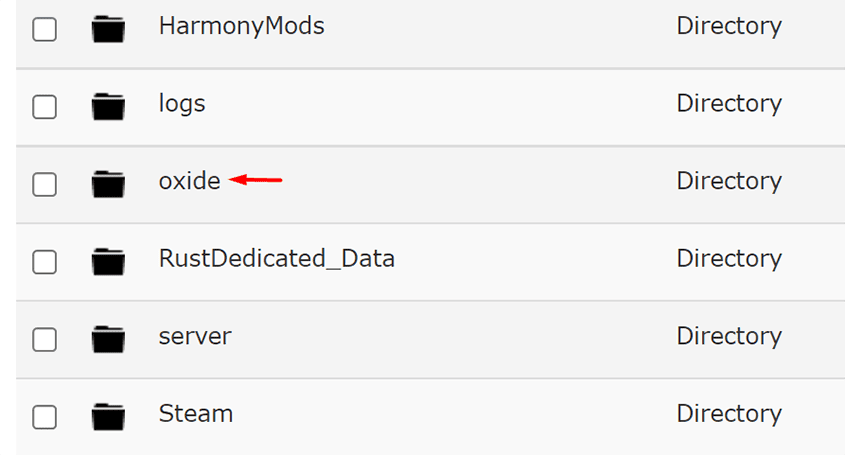
Upload both .cs files to /oxide/plugins/ or /carbon/plugins/
⚠ Critical: TruePVE requires server.pve false in your server.cfg — do NOT run it with server.pve true or it will cause unexpected behavior.
Code:
# Add this to your server.cfg
server.pve false
Step 2 — Configure TruePVE (Base Rules)
Open oxide/config/TruePVE.json and set the default ruleset:
Code:
{
  "Options": {
    "handleDamage": true,
    "useZones": true
  },
  "Mappings": {
    "default": "default"
  },
  "Rulesets": [
    {
      "name": "default",
      "enabled": true,
      "defaultAllowDamage": false,
      "flags": "None",
      "rules": [
        "players cannot hurt players",
        "players can hurt animals",
        "animals can hurt players",
        "players can hurt helicopters",
        "npcs can hurt players",
        "players can hurt npcs"
      ]
    }
  ]
}| Rule | What it does |
|---|---|
| defaultAllowDamage: false | Blocks ALL damage by default — rules below add exceptions |
| players cannot hurt players | Full PvE — no player damage anywhere |
| players can hurt animals | Players can hunt animals normally |
| npcs can hurt players | BetterNPC and default NPCs still deal damage |
Step 3 — Create PvP Zones at Monuments
ZoneManager lets you create a zone at any monument where PvP is enabled.
Step 1 — Stand in the center of the monument
Step 2 — Create the zone:
Code:
/zone_add airfield_pvp radius 200 name "Airfield PvP"Step 3 — Note the Zone ID from the output message, example: 12345678
Step 4 — Add a PvP ruleset to TruePVE for this zone:
Open oxide/config/TruePVE.json and add:
Code:
"Mappings": {
  "default": "default",
  "12345678": "pvp"
},
"Rulesets": [
  {
    "name": "pvp",
    "enabled": true,
    "defaultAllowDamage": true,
    "flags": "None",
    "rules": []
  }
]
Tip: Set defaultAllowDamage to true in the pvp ruleset — this allows ALL damage inside the zone without needing to list individual rules.
Common monument zone sizes:
| Monument | Recommended Radius |
|---|---|
| Gas Station / Barn | 60 |
| Supermarket / Oxum's | 80 |
| Airfield | 200 |
| Launch Site | 300 |
| Military Tunnel | 150 |
| Oil Rig | 120 |
Step 4 — Enable Raiding on Weekends Only
This requires the DynamicPVP plugin (free on uMod.org). It can toggle PvP rules on a schedule.
Upload DynamicPVP.cs to your plugins folder, then open oxide/config/DynamicPVP.json:
Code:
{
  "Global PVP Settings": {
    "Enable PVP on schedule": true,
    "Schedule": [
      {
        "Day of week": "Friday",
        "Start time": "18:00",
        "End time": "23:59",
        "Enable PVP": true
      },
      {
        "Day of week": "Saturday",
        "Start time": "00:00",
        "End time": "23:59",
        "Enable PVP": true
      },
      {
        "Day of week": "Sunday",
        "Start time": "00:00",
        "End time": "22:00",
        "Enable PVP": true
      }
    ]
  }
}
When PvP is enabled by the schedule, DynamicPVP automatically updates TruePVE rules — players get a chat notification that raiding is now active.
Step 5 — Prevent Building Damage Outside Raids
By default TruePVE blocks player-to-player damage but buildings can still be damaged by explosives. Add this rule to your default ruleset in TruePVE.json:
Code:
"rules": [
  "players cannot hurt players",
  "players cannot hurt buildings",
  "players can hurt animals",
  "animals can hurt players",
  "npcs can hurt players",
  "players can hurt npcs",
  "players can hurt helicopters",
  "traps can hurt players"
]
Result: During the week buildings are completely safe. On Friday evening DynamicPVP removes the "players cannot hurt buildings" rule and raiding begins.
Step 6 — Useful Admin Commands
ZoneManager:
Code:
/zone_add {id} radius {size} name "{name}"   # create new zone
/zone_edit {id} radius {size}                # resize existing zone
/zone_remove {id}                            # delete zone
/zone_list                                   # list all active zones
/zone_info {id}                              # show zone details
TruePVE:
Code:
/tpve prod     # shows which ruleset applies at your location
/tpve map      # shows full zone-to-ruleset mapping
Troubleshooting
Players can still hurt each other in PvE areas?
- Run /tpve prod at that location — it shows exactly which ruleset is active
- Check that useZones: true is set in TruePVE config
- Make sure the Zone ID in TruePVE Mappings matches the actual ZoneManager ID exactly
Buildings still take damage on weekdays?
- Confirm "players cannot hurt buildings" is in your default ruleset rules list
- Run oxide.reload TruePVE after editing the config
- Check DynamicPVP is not overriding the schedule unexpectedly
NPC damage not working in PvE zones?
- Add "npcs can hurt players" AND "players can hurt npcs" to your ruleset
- Some NPC plugins require explicit TruePVE exclusion — check the plugin page
Summary
- Install TruePVE, ZoneManager and DynamicPVP
- Set server.pve false in server.cfg
- Configure default PvE rules in TruePVE.json
- Create PvP zones at monuments using /zone_add
- Map Zone IDs to a pvp ruleset in TruePVE
- Set weekend raid schedule in DynamicPVP.json
- Use /tpve prod to debug zone issues
If this guide helped you — drop a like  More Rust server guides coming soon.
More Rust server guides coming soon.