
 593
593
GUIDE — How to Configure BetterNPC on a Rust Server
Monuments, Custom Locations, Loot & Difficulty | Updated March 2026 | Works with Oxide & Carbon
Monuments, Custom Locations, Loot & Difficulty | Updated March 2026 | Works with Oxide & Carbon
BetterNPC is one of the most popular premium plugins for Rust — it completely replaces the default NPC system and lets you fully control how many NPCs spawn, where they spawn, how hard they are, and what loot they drop. This guide covers everything from installation to advanced custom monument setup.
Step 1 — Installation & Dependencies
BetterNPC has optional dependencies — the plugin works without them but integrates with:
- AlphaLoot / CustomLoot — custom loot tables
- Kits — give NPCs specific loadouts
- TruePVE — PvE zone compatibility
- Economics / ServerRewards — currency drops on kill
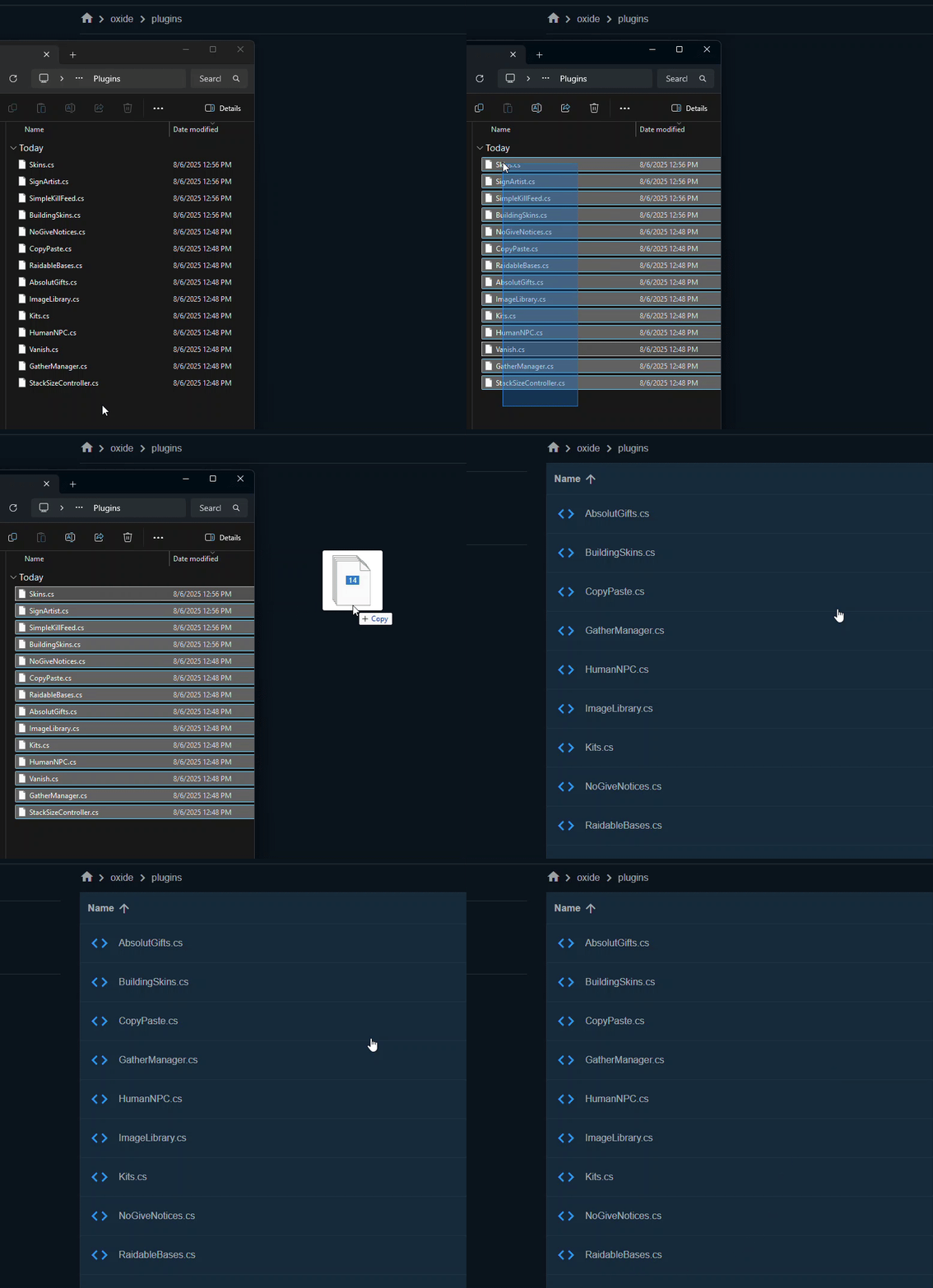
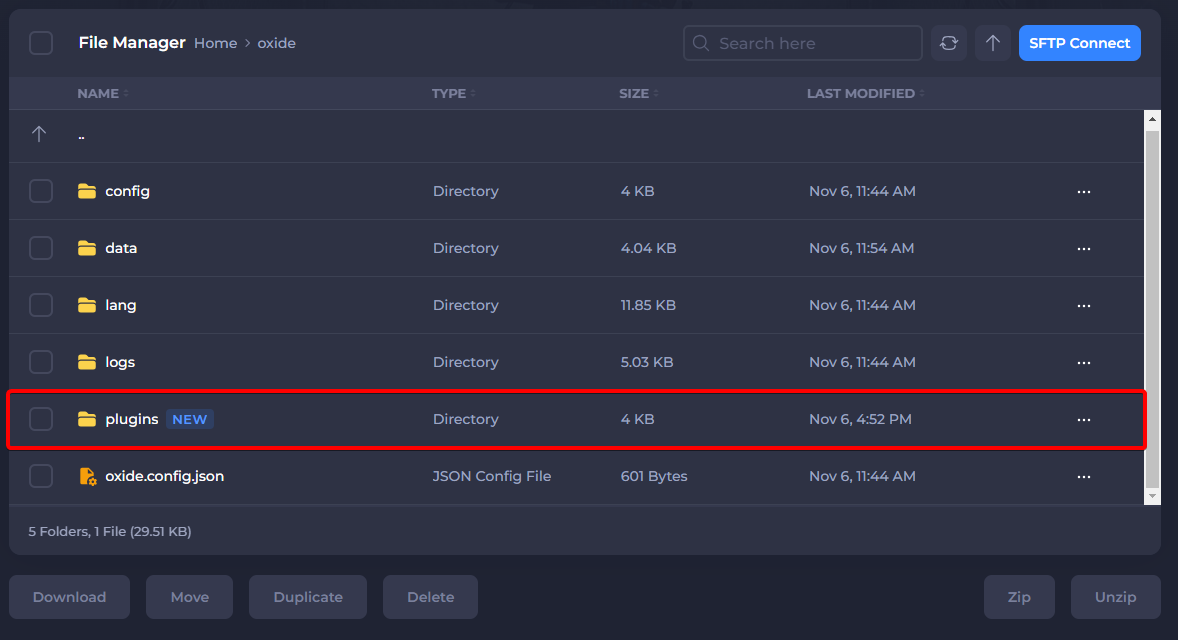
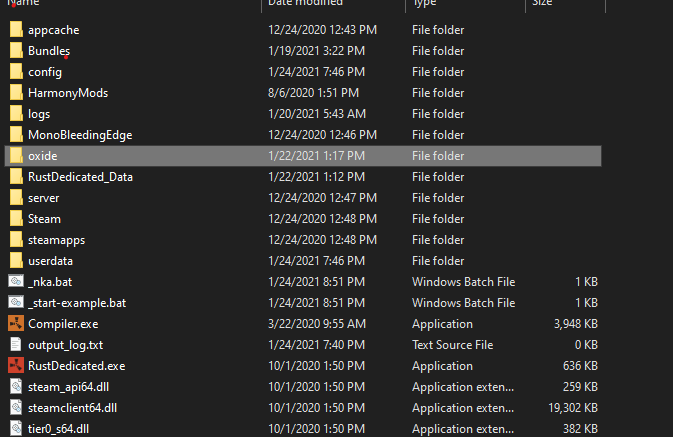
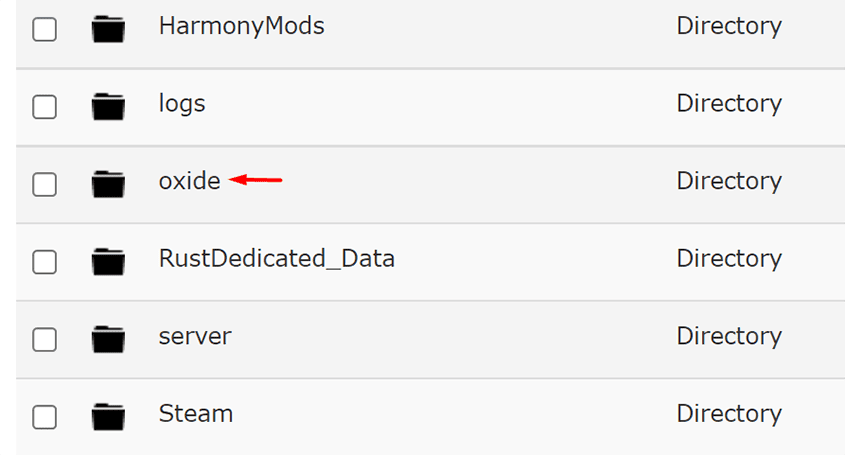
Upload BetterNpc.cs to your /oxide/plugins/ or /carbon/plugins/ folder and start the server. The data folders will be created automatically on first load.
Step 2 — Folder Structure
Code:
oxide/data/BetterNpc/
├── Monument/     ← config files for standard monuments
│   ├── airfield.json
│   ├── launchsite.json
│   ├── military_tunnel.json
│   └── ... (one file per monument)
├── Custom/       ← config for custom monuments / locations
├── Road/         ← NPCs that spawn on roads
├── Biome/        ← NPCs that spawn in biomes
│   ├── Arctic.json
│   ├── Arid.json
│   ├── Temperate.json
│   └── Tundra.json
└── Event/        ← NPCs for in-game events
    ├── AirDrop.json
    ├── CH47.json
    └── Helicopter.json
Carbon users: same structure but under carbon/data/BetterNpc/
Step 3 — Configure a Standard Monument
Open any file from the Monument/ folder — for example airfield.json:
Code:
{
  "Enabled": true,
  "Remove other NPCs on monument": true,
  "The size of the monument": {
    "Width": 200,
    "Height": 200
  },
  "Presets": [
    {
      "Name": "Airfield Guard",
      "Enabled": true,
      "Amount of NPCs": 8,
      "Health": 200,
      "Damage multiplier": 1.2,
      "Kits": ["airfield_guard"],
      "Roam range": 30,
      "Aggression range": 50,
      "Attack range": 40,
      "Speed": 6.5,
      "Is running": true
    }
  ]
}| Setting | What it does |
|---|---|
| Amount of NPCs | How many NPCs spawn at this monument |
| Health | NPC health pool (default Rust NPC = 150) |
| Damage multiplier | How hard NPCs hit (1.0 = default) |
| Kits | Which Kit plugin loadout the NPC uses |
| Roam range | How far NPCs walk from spawn point |
| Aggression range | Distance at which NPC detects players |
| Attack range | Maximum distance NPC will shoot from |
| Speed | Movement speed (default = 5.0) |
Step 4 — Set Up Custom Spawn Locations
You can make NPCs spawn at any custom location on the map using admin commands in-game.
Step 1 — Stand at the location where you want NPCs to spawn
Step 2 — Run this command in chat:
Code:
/SpawnPointAdd MyCustomLocationThis creates a new file oxide/data/BetterNpc/Custom/MyCustomLocation.json
Step 3 — Edit the file to configure the NPCs:
Code:
{
  "Enabled": true,
  "Position": {"x": 512.0, "y": 0.0, "z": -256.0},
  "Presets": [
    {
      "Name": "Custom Guard",
      "Enabled": true,
      "Amount of NPCs": 4,
      "Health": 250,
      "Damage multiplier": 1.5,
      "Kits": ["heavy_guard"],
      "Roam range": 15,
      "Aggression range": 40,
      "Attack range": 35,
      "Speed": 6.0,
      "Is running": true
    }
  ]
}
Admin commands:
Code:
/SpawnPointAdd {name}     # create new custom spawn point at your position
/SpawnPointRemove {name}  # remove a custom spawn point
/SpawnPointList           # list all custom spawn points
Step 5 — Event NPCs (Helicopter, Chinook, AirDrop)
BetterNPC can add guards to vanilla Rust events. Open the files in the Event/ folder:
Code:
oxide/data/BetterNpc/Event/
├── AirDrop.json    ← spawns NPCs when airdrop lands
├── CH47.json       ← spawns NPCs when chinook drops locked crate
└── Helicopter.json ← spawns NPCs when patrol heli is destroyed
Example Helicopter.json — NPCs spawn when heli is shot down:
Code:
{
  "Enabled": true,
  "Presets": [
    {
      "Name": "Heli Survivor",
      "Enabled": true,
      "Amount of NPCs": 6,
      "Health": 300,
      "Damage multiplier": 1.8,
      "Kits": ["heli_guard"],
      "Roam range": 20,
      "Aggression range": 60,
      "Attack range": 50,
      "Speed": 7.0,
      "Is running": true
    }
  ]
}
Tip: Set high health and damage on event NPCs — players expect more challenge when responding to a helicopter crash or chinook drop.
Step 6 — NPC Difficulty Guide
Use this as a reference when setting up NPCs for different scenarios:
| Difficulty | Health | Damage Mult | Speed | Best used for |
|---|---|---|---|---|
| Easy | 100 | 0.8 | 5.0 | Starter monuments (barn, gas station) |
| Normal | 175 | 1.0 | 5.5 | Mid-tier (supermarket, airfield) |
| Hard | 250 | 1.5 | 6.5 | High-tier (launch site, military tunnel) |
| Nightmare | 400 | 2.0 | 7.5 | Events, custom boss locations |
Troubleshooting
NPCs not spawning at monument?
- Check the file name matches the monument name exactly — it is case sensitive
- Make sure "Enabled": true is set in the file
- Verify Amount of NPCs is greater than 0
- Check oxide/logs/ for any errors on plugin load
NPCs spawning but not attacking?
- Increase Aggression range — default may be too small for your monument
- Check for conflicts with TruePVE or other PvE zone plugins
Kits not applying to NPCs?
- Make sure the Kits plugin is installed and the kit name matches exactly
- Run oxide.reload BetterNpc after creating new kits
Summary
- Upload BetterNpc.cs to your plugins folder
- Edit files in oxide/data/BetterNpc/Monument/ for standard monuments
- Use /SpawnPointAdd to create custom NPC locations
- Configure events in oxide/data/BetterNpc/Event/
- Use the difficulty table to balance NPC health and damage
- Check oxide/logs/ if NPCs are not spawning
If this guide helped you — drop a like  More Rust server guides coming soon.
More Rust server guides coming soon.